Kaizen Board & Continuous Improvement Tracker
A kaizen board Notion template for lean teams: track improvement ideas, kaizen events, actions and savings in one workspace.
Improvement ideas are easy to collect and easy to lose. This Notion template gives your team one place to collect ideas from the floor, run focused kaizen events, close the actions that follow and keep a clear record of what each change saved.
It is one connected Notion workspace with five databases: Ideas, Kaizen Events, Actions, Areas and People. Every idea shows its next step, so nothing waits in a drawer, and a saving reaches the scoreboard only when the idea is done and the saving was measured or verified.
$29Pay once, no subscription · checkout on Etsy or Gumroad
Watch the Short about Kaizen Board & Continuous Improvement Tracker on YouTube · 21 s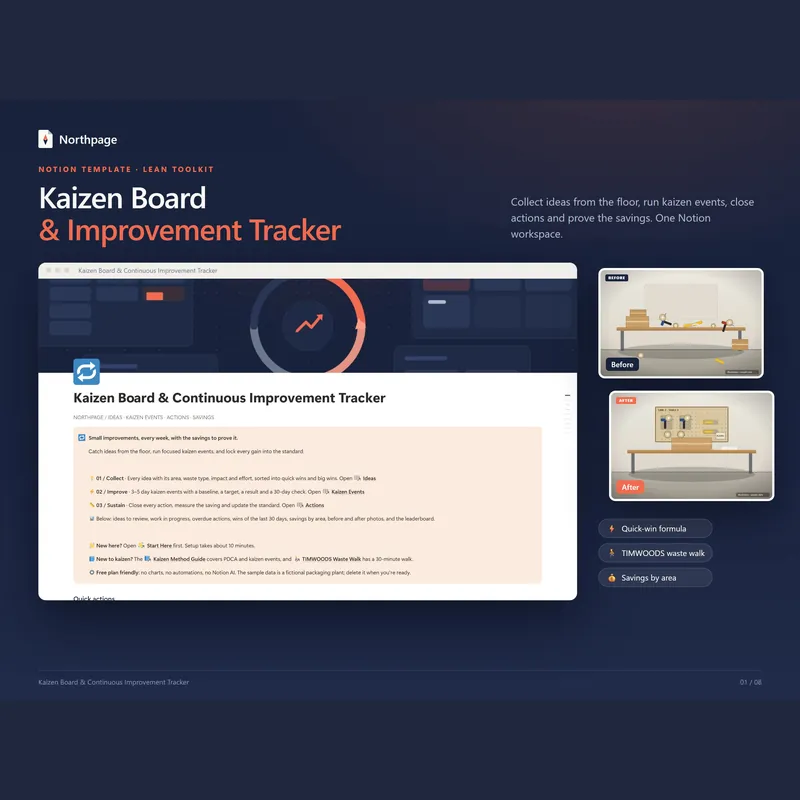
What's inside
A main page for the week
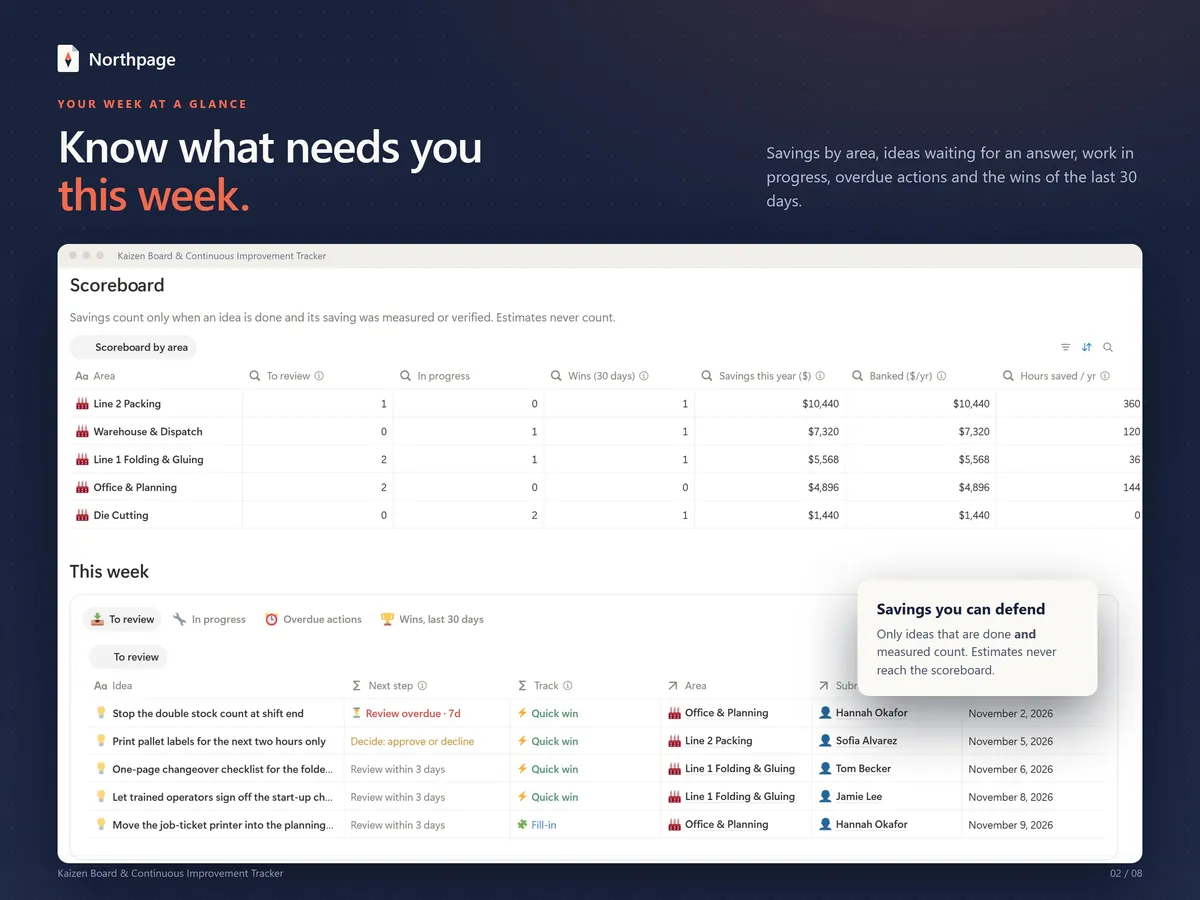
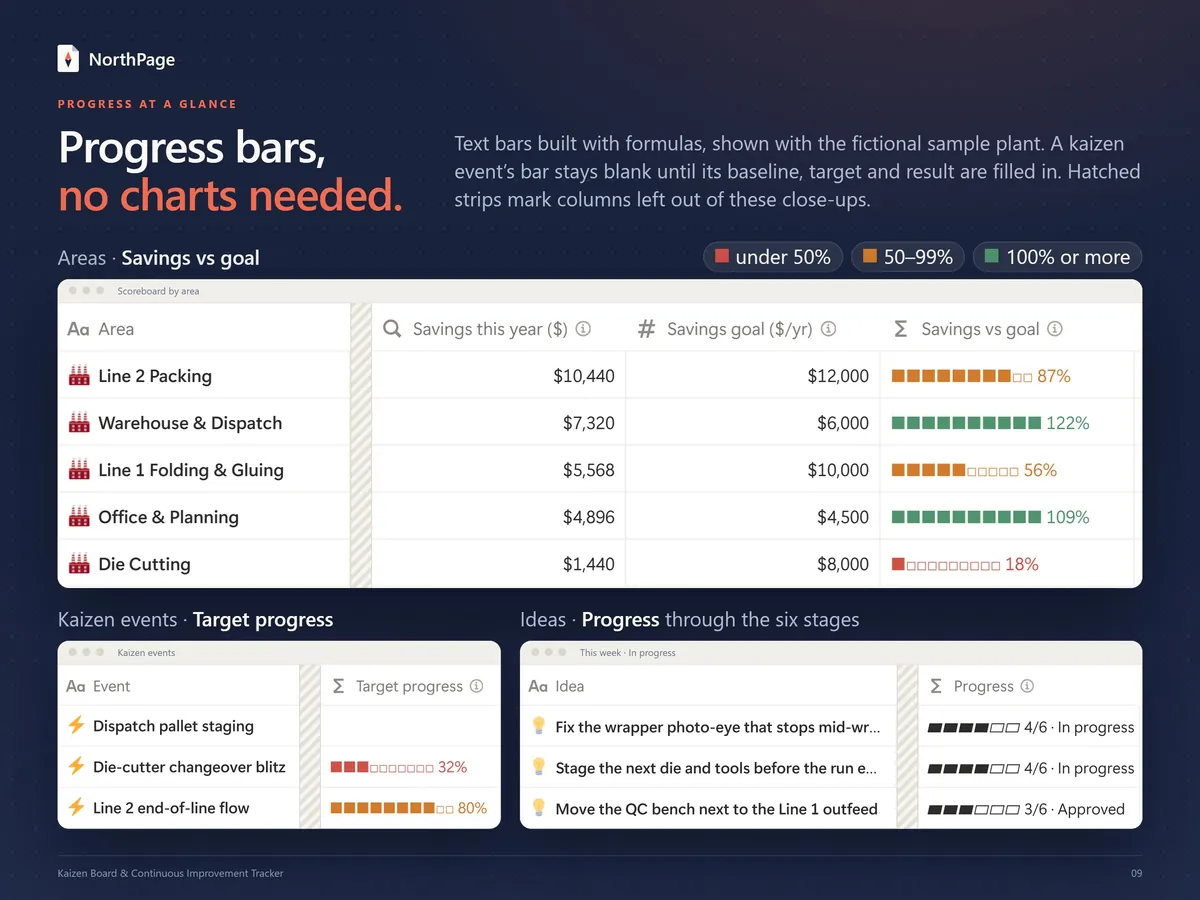
Four buttons add a new record with one click: Submit an idea, Log a waste-walk find, Start a kaizen event and Add an action. Below them are a scoreboard that sets each area's savings this year against its goal, the This week tabs (ideas to review, work in progress, overdue actions and the wins of the last 30 days) and, further down, a simple points leaderboard.
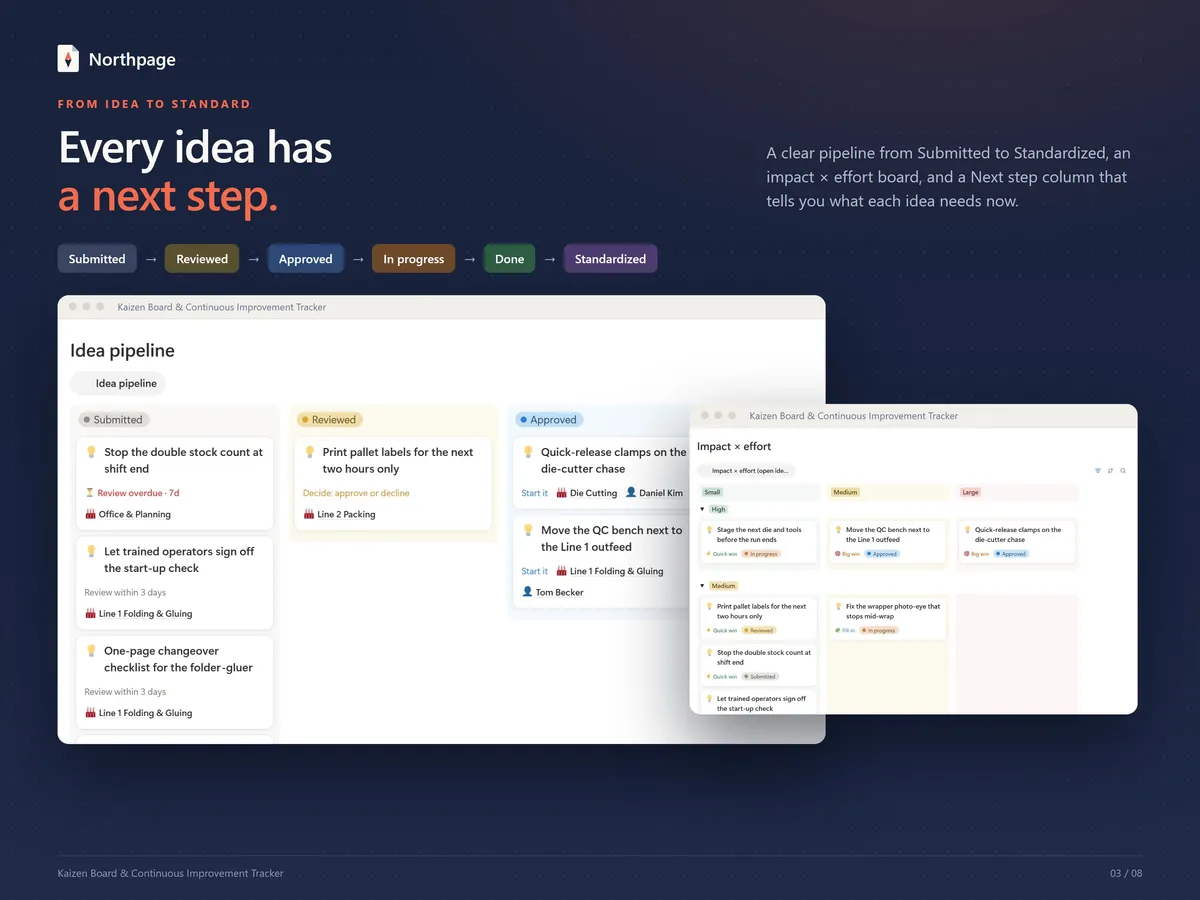
Idea pipeline with a next step
Ideas move from Submitted to Reviewed, Approved, In progress, Done and Standardized. A Next step column tells you what each one needs now (review it, decide, set an owner and due date, measure the saving or update the standard) and flags overdue reviews and late ideas.
Impact × effort board and quick-win formula
Rate each idea's impact and effort, and a formula sorts it into Quick win, Big win, Fill-in or Rethink. A board lays out your open ideas by effort and impact, so you can pick the right work first.
TIMWOODS waste types and before/after photos
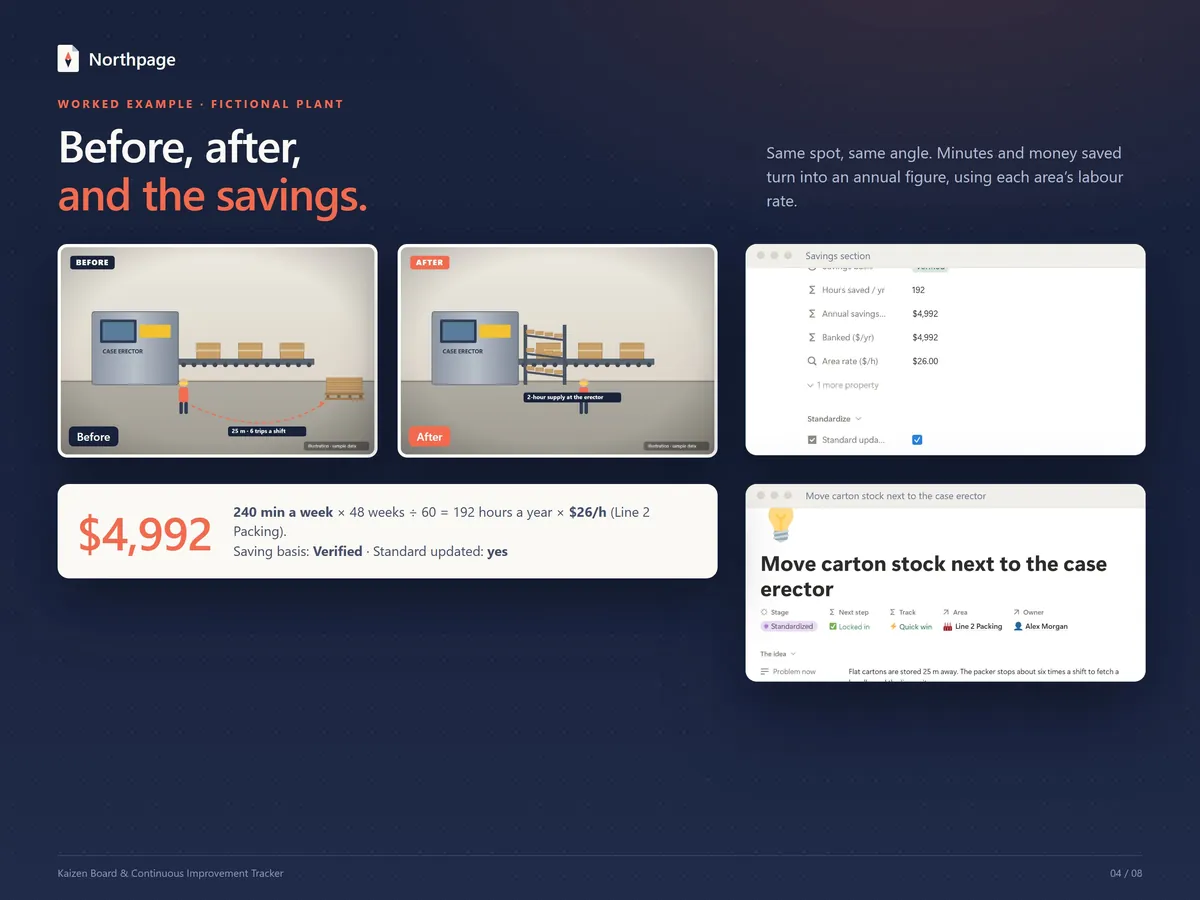
Tag each idea with one of the eight TIMWOODS wastes (Transport, Inventory, Motion, Waiting, Overproduction, Overprocessing, Defects, Skills) and see which waste shows up most. Every idea has a Before photo and an After photo field, and the main page shows the pairs side by side.
Kaizen events with baseline, target and result
Each event page holds a charter, scope, leader and team, dates, and a metric with its baseline, target and result. The template works out % of target, whether lower or higher is better, and sets a 30-day check date from the event's end date so you can record whether the gain is Holding or Slipped.
Actions with an owner and a due date
Every action has an owner, a due date and a done box, and can be linked to an idea or a kaizen event. Overdue actions are flagged and listed on the main page.
Savings you can defend
Record minutes saved per week or money saved per month, and the template turns them into an annual figure using each area's labour rate. Only ideas that are done and measured or verified count toward the scoreboard; estimates never do.
Record templates, guides and a sample plant
Four record templates (New idea, Waste-walk find, New kaizen event, New action) and three guides: Start Here, a Kaizen Method Guide with PDCA and an event agenda, and a TIMWOODS Waste Walk page. The sample data is a fictional small packaging plant with 18 ideas, 3 kaizen events, 16 actions and 6 before/after pairs.
What it looks like
How it works
Get the template link
On Etsy, download the access PDF from your purchases once payment is confirmed and open the template link in it. On Gumroad you get the template link right after purchase.
Duplicate it into your workspace
Sign in to Notion and click Duplicate to copy the template into your own workspace.
Set it up with Start Here
Add your areas and their labour rates, add your people, then clear the sample records when you are ready. Setup takes about 10 minutes.
Collect and review ideas
Use Submit an idea or Log a waste-walk find whenever someone spots a problem. Review new ideas weekly and move each one along the pipeline.
Record the saving
When an idea is done, record the time or money it saved, mark how it was measured and update the standard so the change sticks.
Who it's for
- Team leaders who collect improvement ideas from the floor and want every idea to show its next step
- Continuous improvement and lean leads who run kaizen events and follow up the actions
- Operations managers who want savings by area that rest on measured figures
- Small plant or warehouse teams that want a simple, visible system for improvement ideas
What you need
- A Notion account. The template was built and tested on Notion's free plan: it needs no charts, no automations and no Notion AI. Notion's own plan limits apply; on the free plan, uploaded files such as photos are limited in size.
- A computer for setup. The template was set up and tested on desktop in a web browser; the phone app has not been separately tested.
- On Etsy you download a 3-page PDF from your purchases: it has the template link, a QR code and a quick-start guide. On Gumroad you get the template link right after checkout, with a PDF that has the same link, a QR code and a quick-start guide.
- A digital product in English. Nothing physical is shipped.
- Sample data from a fictional small packaging plant, so you can see every view working before you add your own. The scoreboard, the This week lists and the 30-day wins view move with today's date, so the sample numbers change over time.
- About 10 minutes of setup, following the Start Here page.
Questions about this template
Do estimated savings count on the scoreboard?
No. A saving counts only when the idea is Done or Standardized and its savings basis is Measured or Verified. An idea marked Estimate still shows its annual figure, but that figure is not banked and never reaches the scoreboard.
How does the template work out the annual saving?
It multiplies the minutes saved per week by 48 weeks, divides by 60 to get hours and multiplies the hours by the area's labour rate; money saved per month is multiplied by 12 and added. In the sample plant, 240 minutes a week at USD 26 an hour comes to USD 4,992 a year. The figures are the ones you enter: the template does the arithmetic and does not check them.
Will people be notified when I make them the owner of an idea or an action?
No. People are plain records in the template, not Notion users, so assigning an owner does not send a notification or reminder.
Can I change the areas, the fields and the sample data?
Yes. It is your copy: rename areas, add fields and delete the sample records when you are ready. The Start Here page walks you through adding your own areas, labour rates and people.
Is the Kaizen Board included in the Lean Toolkit Bundle?
Yes. On its own the Kaizen Board costs $29. The Lean Toolkit Bundle has all five lean templates (5S, Kaizen, A3, Gemba & SQDCP and OEE & TPM) for $79. Bought one by one the five come to $145, so the bundle saves $66.
Delivery, refunds and choosing Etsy or Gumroad: see the main FAQ
Kaizen Board & Continuous Improvement Tracker
$29Pay once, no subscription · checkout on Etsy or Gumroad
More from the Lean Toolkit
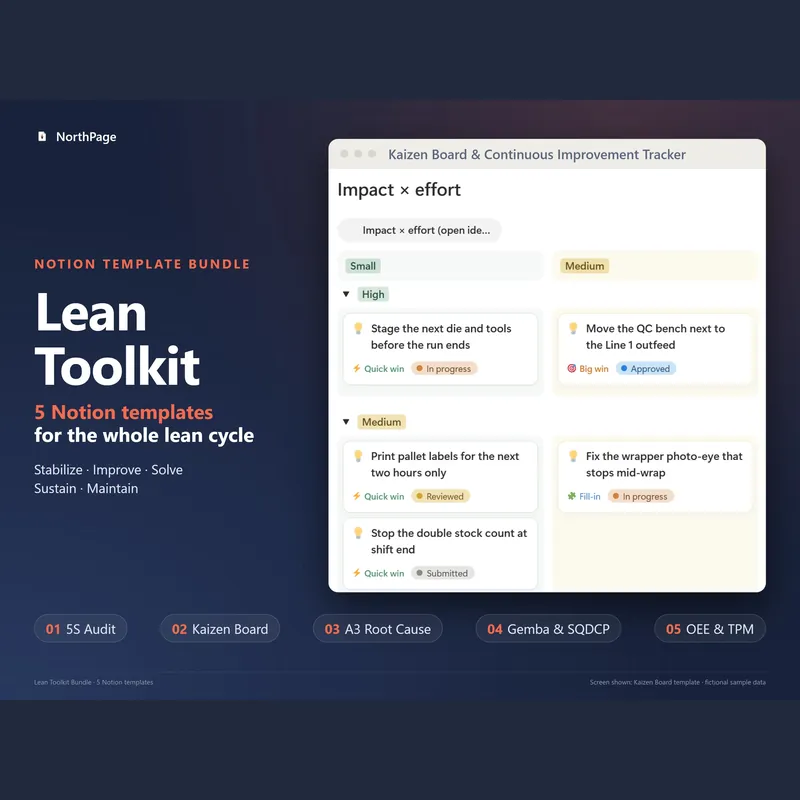
Lean Toolkit Bundle: 5 Notion templates
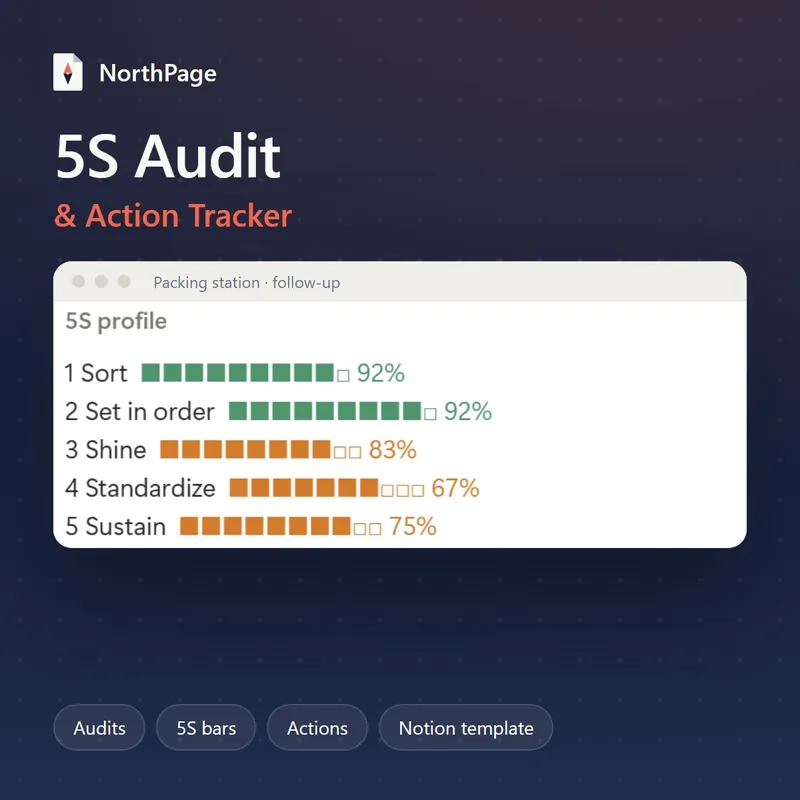
5S Audit & Action Tracker for Notion
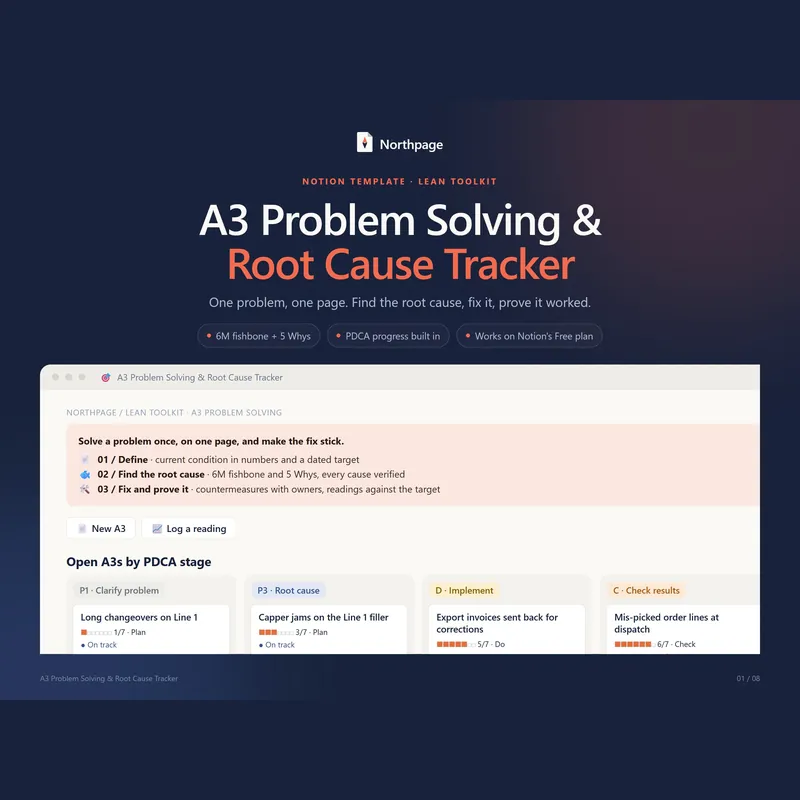
A3 Problem Solving & Root Cause Tracker
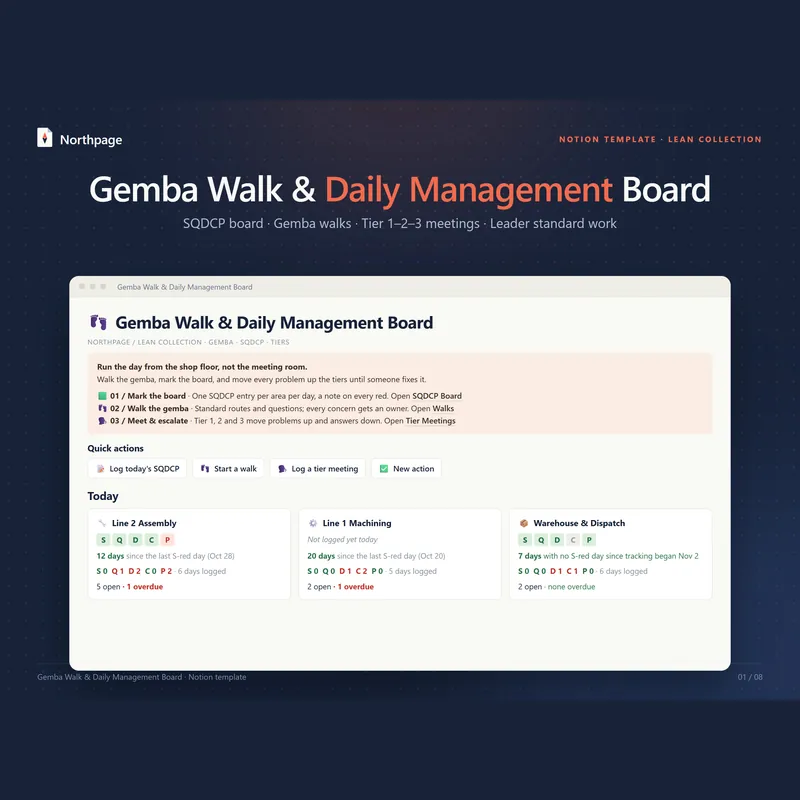
Gemba Walk & Daily Management Board (SQDCP)
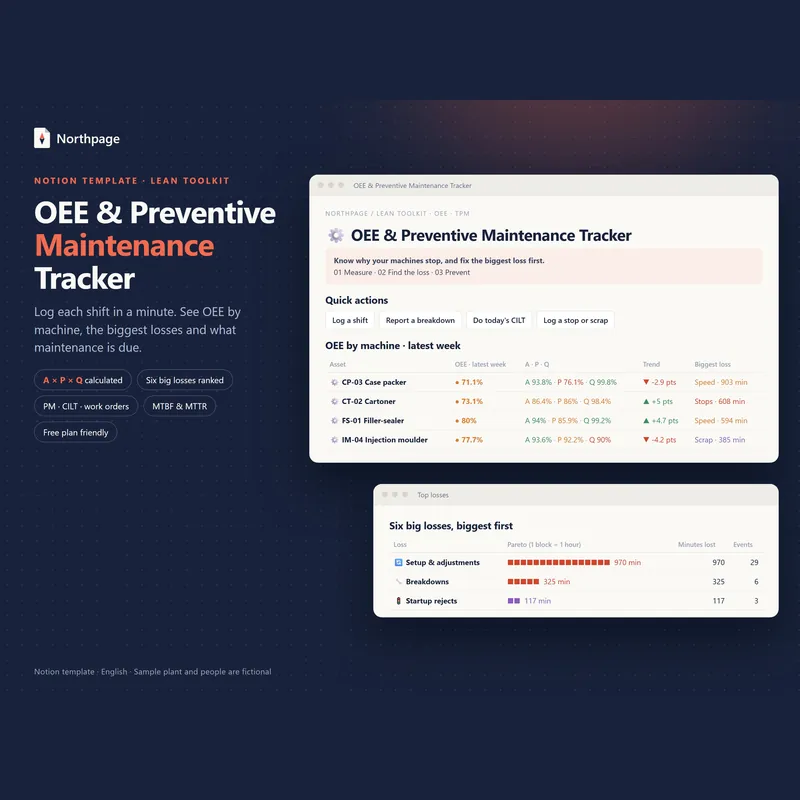
OEE & Preventive Maintenance (TPM) Tracker
All five templates come in the Lean Toolkit Bundle for $79 instead of $145 if bought one by one.