5S Audit & Action Tracker for Notion
A 5S audit template for Notion with editable lean checklists and an action tracker for what you find
A 5S audit is only as useful as its follow-up: every gap needs an owner, a due date and a second look. This template keeps the checklist you use, the observations you record and the actions that follow in one Notion workspace, and its main page shows each area's latest score and when the next audit is due.
Use it for a bench, a room, a shared office or a work zone. One button loads the 15 core questions, three for each S, and you can build or edit your own set in Checklists. There is no required question count: a three-question checklist and a twenty-question checklist use the same calculation.
$29Pay once, no subscription · checkout on Etsy or Gumroad
Watch the Short about 5S Audit & Action Tracker for Notion on YouTube · 25 s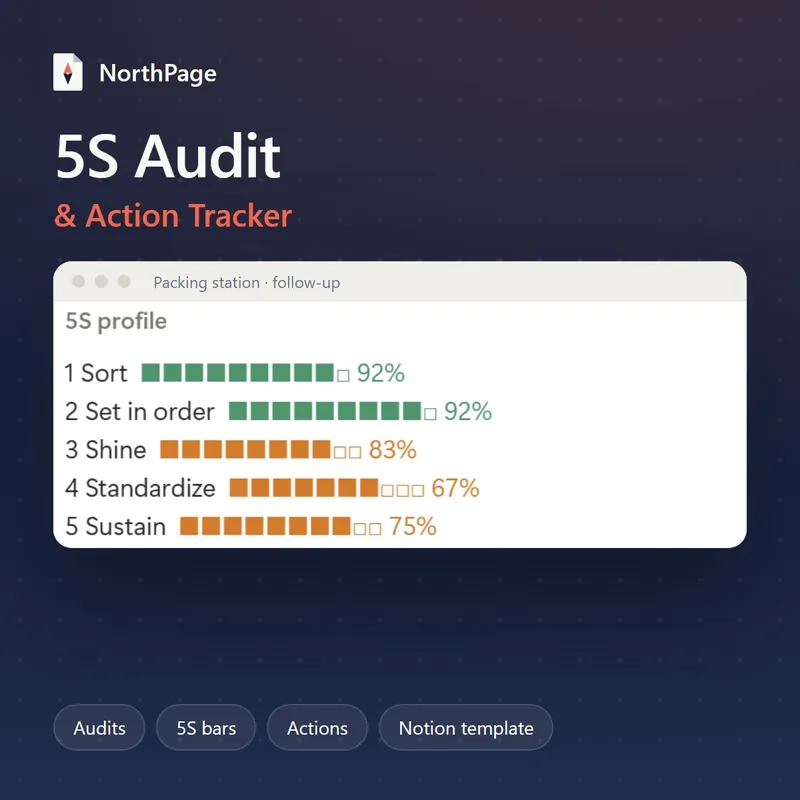
What's inside
Main page with buttons and live views
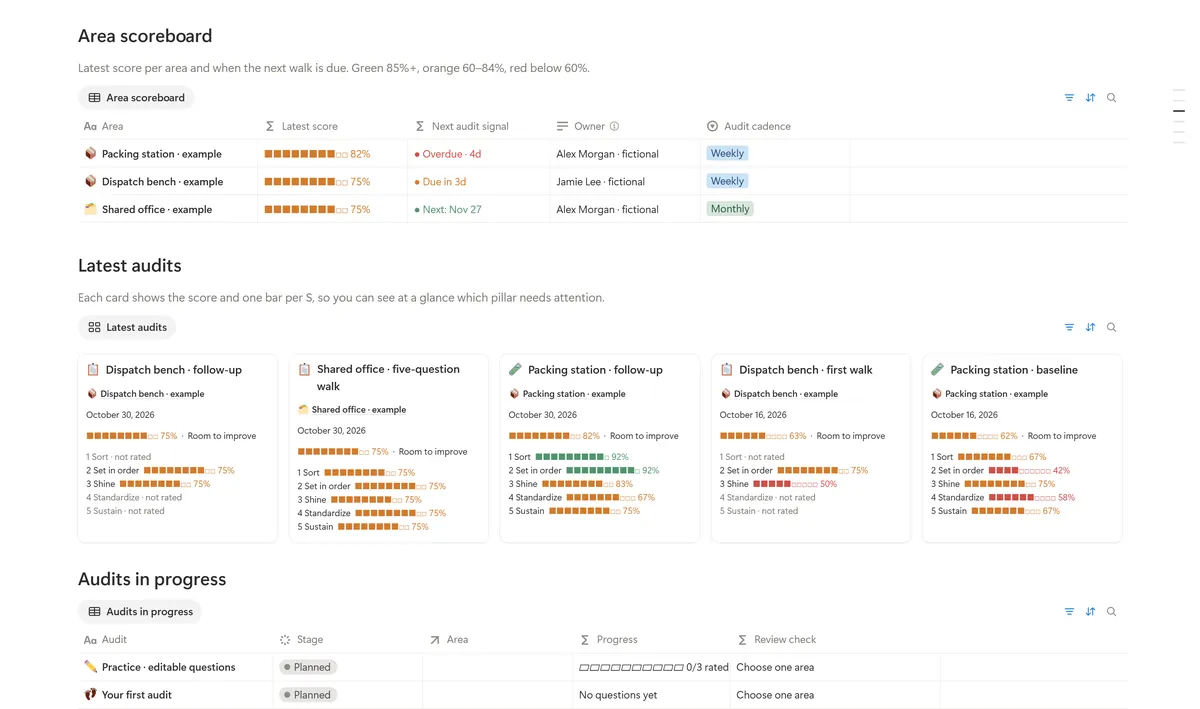
Two quick-action buttons, New 5S audit and New action, create the record from its page template and open it. Below them sit four linked views (Area scoreboard, Latest audits as a gallery with each audit's snapshot and 5S profile, Audits in progress and Open actions) and Your live work, whose queues show only your own records and so start empty.
Five connected databases
Areas, Checklists, Audits, Audit checks and Actions. An audit's numbers are rolled up from its checks, and an action is linked to the checks it fixes.
Checklists you can rewrite
Three ready-made sets are optional starting points: Workplace starter (15 questions), Dispatch quick walk (3) and Office reset (5). Add, remove or rewrite blank library questions, then copy the rows you want into a new audit; every audit works on its own copies.
Add 15 core questions button
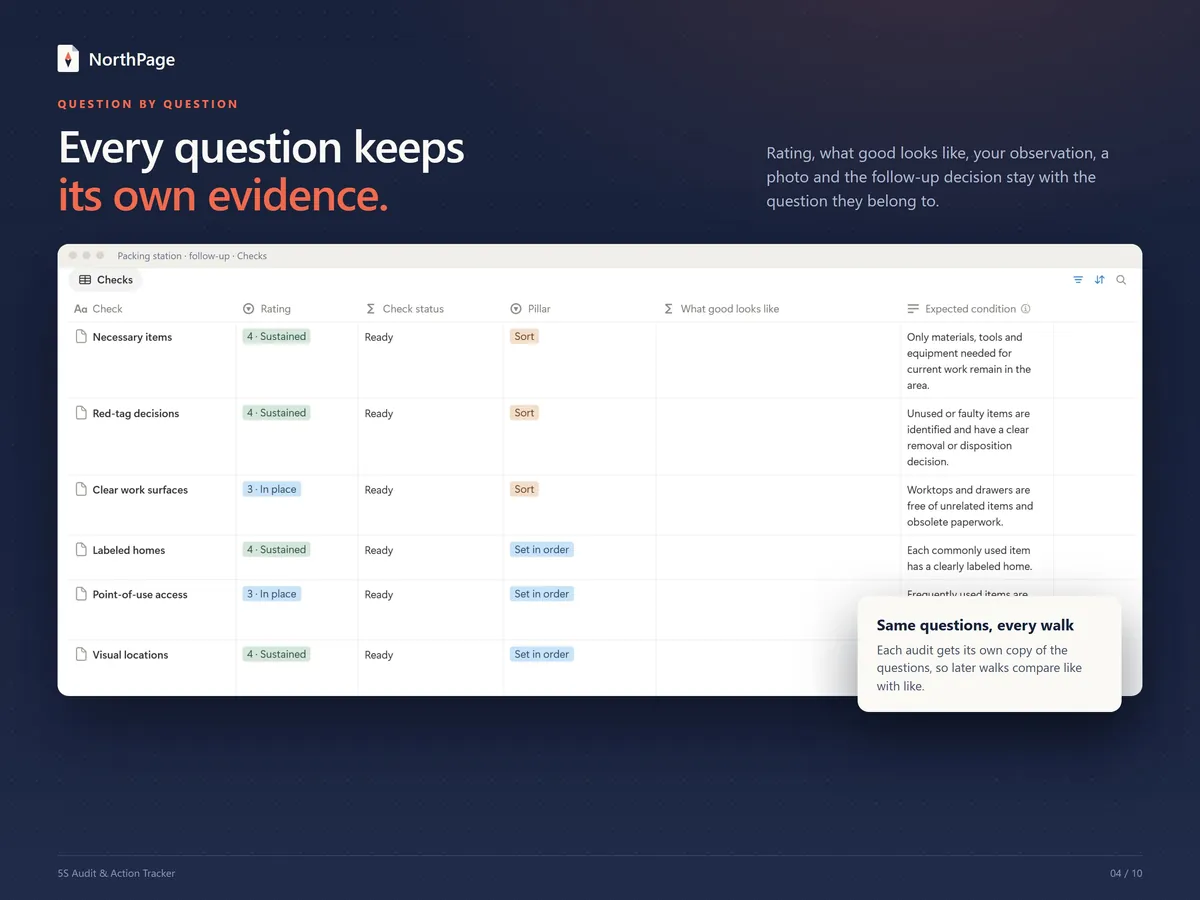
On an audit page, one button creates 15 audit checks, three for each S, each with its pillar and order. Where you leave the expected condition empty, What good looks like shows the core standard text.
0–4 scoring with a 5S profile
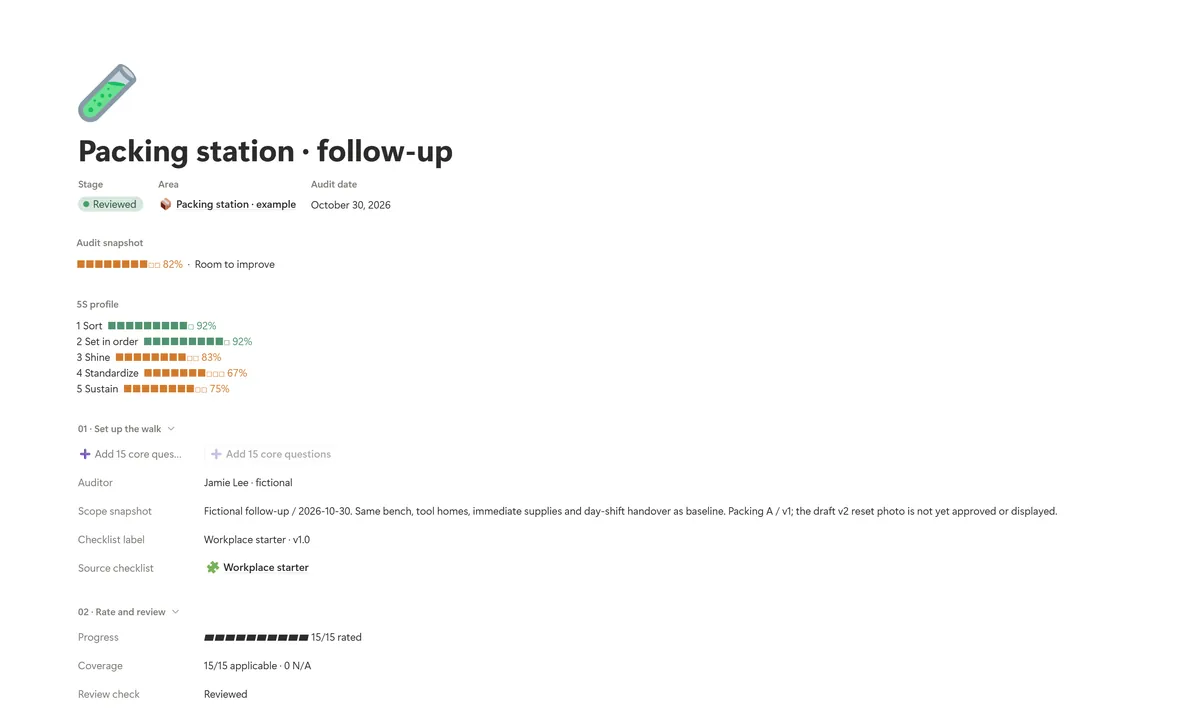
Rate each question from 0 (Absent) to 4 (Sustained), or mark it N/A and give the reason; every applicable question has equal weight, and N/A answers are left out of the score. Each audit shows a score bar and a 5S profile: one colored bar of 10 squares for each S.
Areas with a next-audit signal
Each area carries a bar for its latest score and a next-audit signal: overdue, due or the next date. The Area scoreboard lists every area with its owner and audit cadence, and its score bar is green from 85%, orange from 60% to 84% and red below 60%.
Actions that end in verification
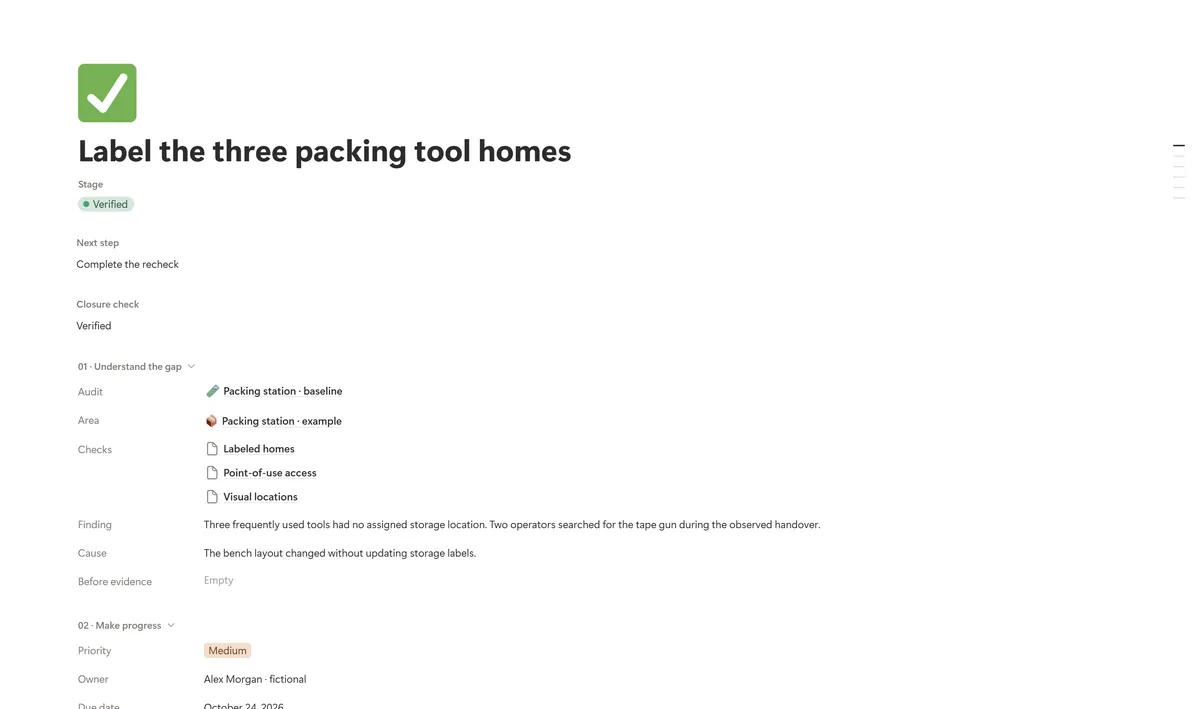
Add an action from the audit, link the checks it fixes, and give it an owner, a due date and an acceptance check. An action moves from Open through In progress and Ready to verify to Verified; you note what you checked and can set a recheck date.
Guides, page templates and worked examples
Start here is a 5-step guide of roughly 10 minutes with Make it yours toggles; a 5S field guide explains each S and the 0–4 scale, and Field mode is there for the walk itself. You also get page templates for new audits, actions and questions, and an Examples & starter kit page with fictional audits and actions.
What it looks like
How it works
Duplicate the template
Sign in to Notion on a computer, open the link from your purchase, click Duplicate and choose your workspace. Then open Start here, which takes you through the first audit in five steps.
Add your area and start an audit
In Areas, add one small, visible area with its owner and next audit date. Then press New 5S audit on the main page and pick the area and the date: the button opens a new audit made from a three-step page template.
Add your questions
Press Add 15 core questions to create 15 checks in one go. For your own questions, use New under Checks or copy blank rows from the Question library.
Walk the area and rate each check
Rate each question from 0 to 4, or mark it N/A and say why it does not apply. Add an observation or a photo where it helps; the score and the 5S bars are worked out from your ratings.
Assign actions and verify them
In the audit's Actions section, add an action for each gap: the finding, an owner, a due date and an acceptance check, linked to the checks it fixes. When every check is rated, set the audit's Stage to Reviewed, and note what you checked as each action reaches Verified.
Who it's for
- Area owners who audit their own bench, room, shared office or work zone
- Operations leads who want every finding to have an owner and a due date
- Lean practitioners building a repeatable observe, improve, review routine
- Small teams that want workplace checks and their follow-up in one place
What you need
- A Notion account. It works on Notion's free plan (no charts, no automations). Desktop setup is recommended, so do the first steps on a computer.
- On Gumroad, you get the template link right after purchase: open the product from your receipt or library, open the Notion link and choose Duplicate.
- On Etsy, you download a short PDF guide that holds the same template link.
- It is a digital template in English. Nothing is shipped.
- Fictional sample data is included, and you can delete it when you are ready. Among the examples are two packing-station audits of 15 questions each (62% baseline, 82% follow-up), their four linked actions and three example areas, one of them shown as overdue.
- Setup: Start here takes you to a first audit in about 10 minutes.
- $29 on Etsy or Gumroad. The template is also one of the five in the Lean Toolkit Bundle ($79).
Questions about this template
Do I have to use the 15 core questions?
No. The button is a shortcut that loads the default set: 15 checks, three for each S. There is no required question count. For your own questions, use New under Checks in an audit or copy blank rows from the Question library, and build or edit sets in Checklists, where Dispatch quick walk (3 questions) and Office reset (5 questions) are ready-made starting points.
How is the 5S score worked out?
Each question is rated from 0 to 4, and every applicable question has equal weight: the score is the points earned divided by the maximum, four per applicable check, shown as a percentage. A check marked N/A needs a reason and is left out of the score, and a 4 needs a note of the evidence that the condition has held. Each audit also shows a 5S profile with one bar per S. The score reflects your own ratings.
Can I compare one audit with the next?
Yes. Every audit uses independent copies of its own questions, expected conditions, ratings and evidence, so later edits to the question library do not change an audit you have already run. Compare scores only between audits of the same area that used the same questions. The sample data shows the idea: a packing-station baseline at 62% and, two weeks later, the same 15 questions at 82%.
Does Notion notify the owner when I assign an action?
No. Owner names are plain text, so assigning an action does not send a notification. The Open actions view on the main page lists each open action with its stage, owner, due date and next step.
Is this template part of the Lean Toolkit Bundle?
Yes. The bundle holds five Notion templates: this 5S tracker plus the Kaizen, A3, Gemba & SQDCP and OEE & TPM templates. The bundle costs $79; the five bought one by one come to $145, so it saves $66.
Delivery, refunds and choosing Etsy or Gumroad: see the main FAQ
5S Audit & Action Tracker for Notion
$29Pay once, no subscription · checkout on Etsy or Gumroad
More from the Lean Toolkit
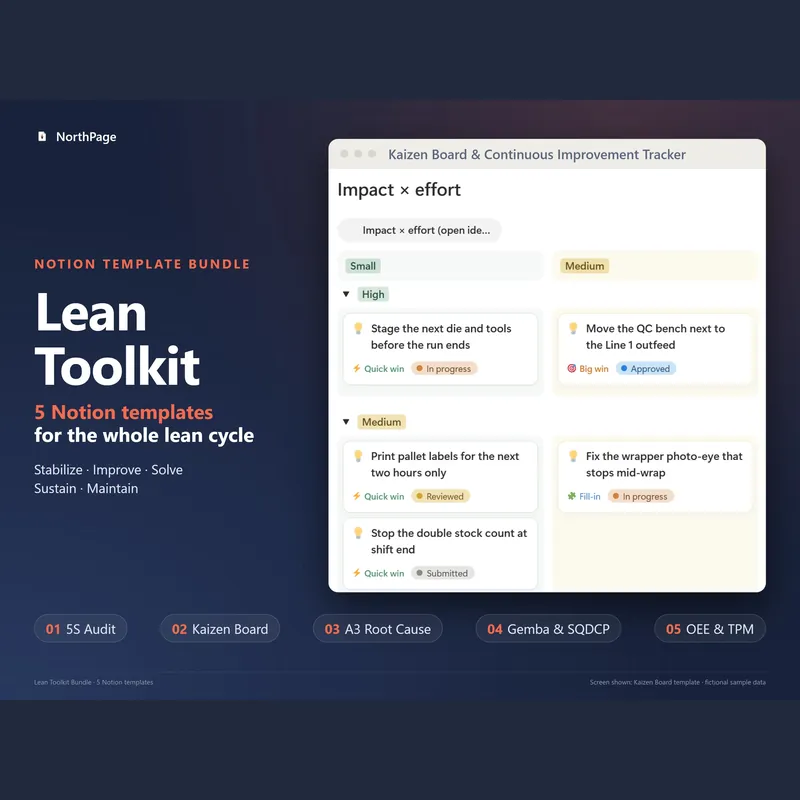
Lean Toolkit Bundle: 5 Notion templates
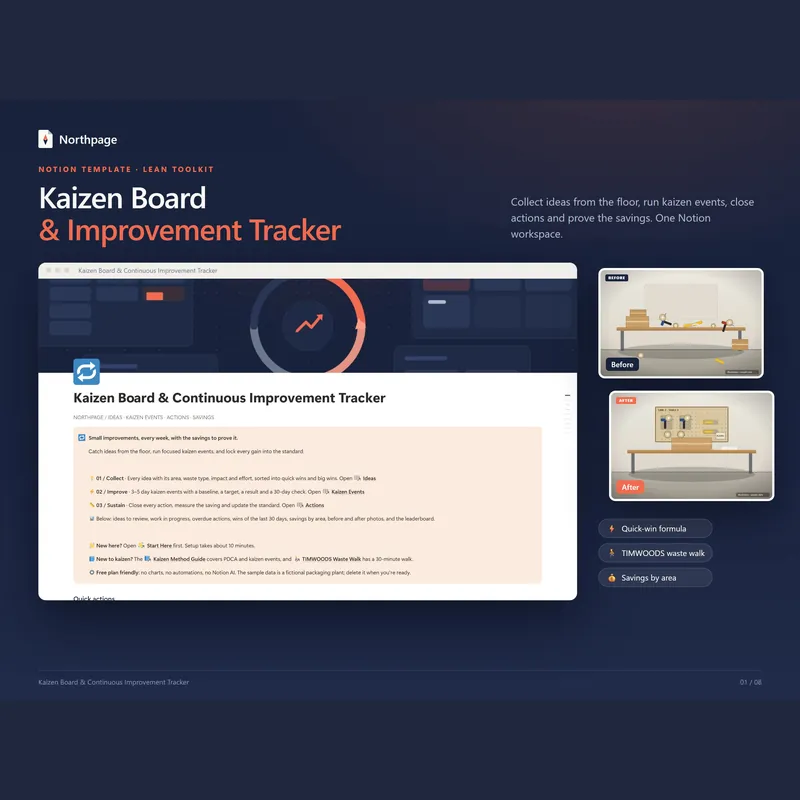
Kaizen Board & Continuous Improvement Tracker
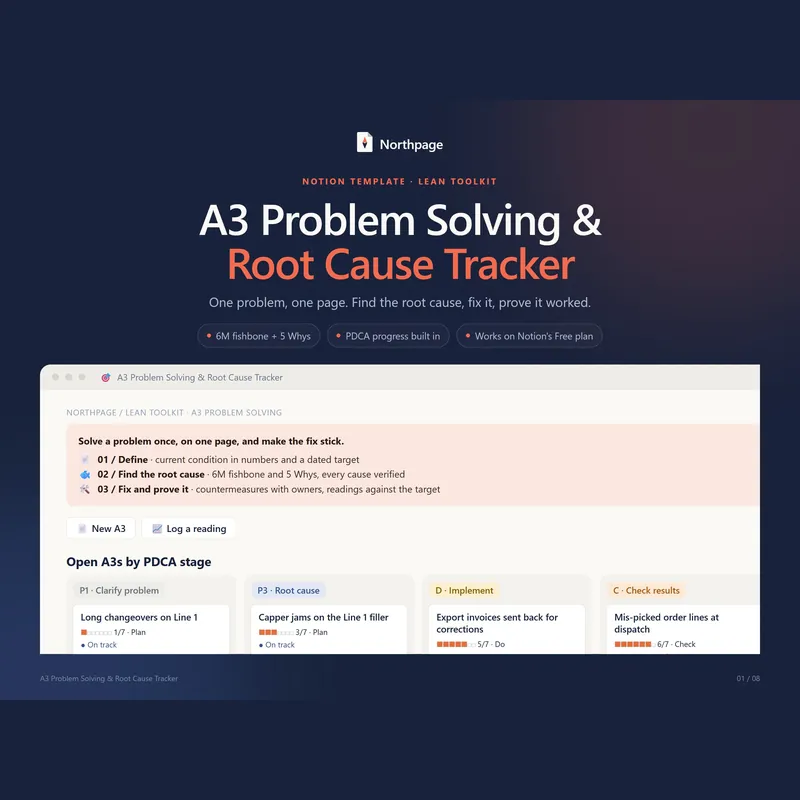
A3 Problem Solving & Root Cause Tracker
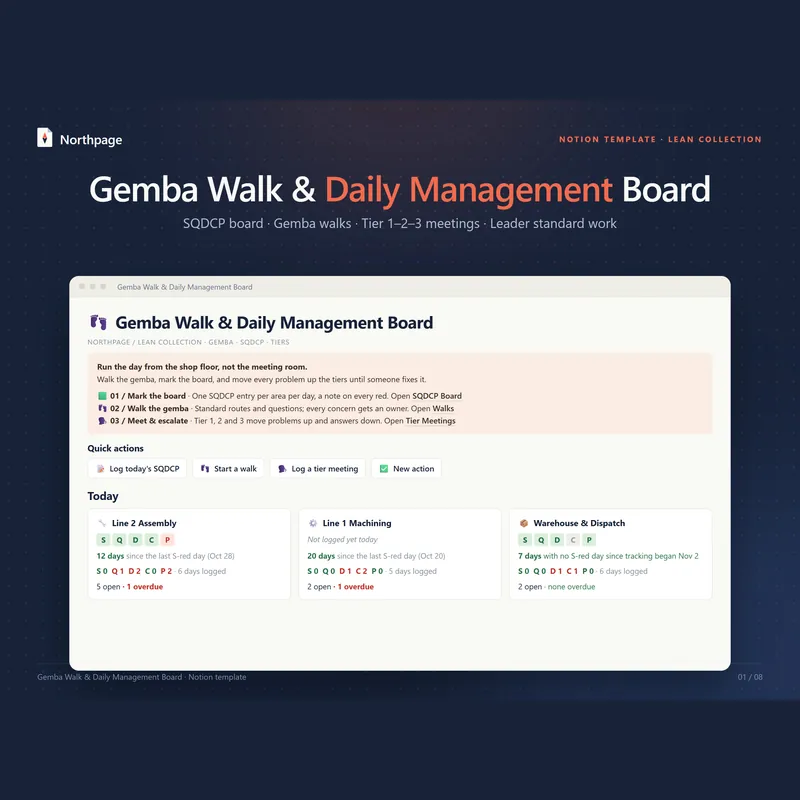
Gemba Walk & Daily Management Board (SQDCP)
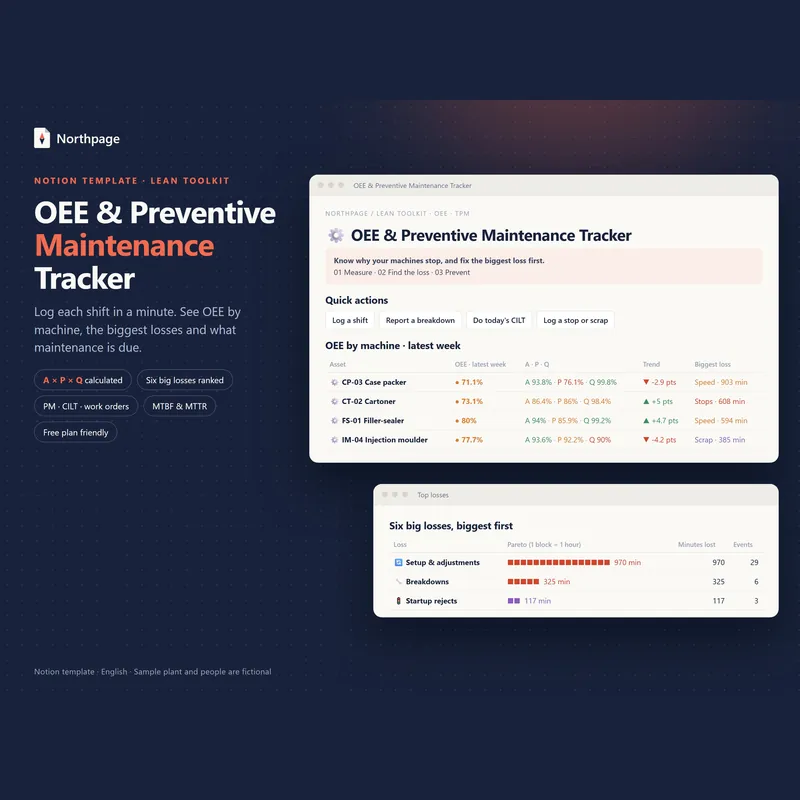
OEE & Preventive Maintenance (TPM) Tracker
All five templates come in the Lean Toolkit Bundle for $79 instead of $145 if bought one by one.