Gemba Walk & Daily Management Board (SQDCP)
A Notion template for lean daily management: the SQDCP board, gemba walks, tier meetings and leader standard work
Run the day from the shop floor, not the meeting room. This Notion template gives a team leader, supervisor or plant manager one place for the daily management rhythm: mark the SQDCP board every morning, hold short tier meetings, walk standard gemba routes, and follow every problem up the tiers until someone answers it.
The numbers are built to stay honest: red days are counted only on days you actually logged, and the safety counter warns you when the board has not been logged for more than three days.
$29Pay once, no subscription · checkout on Etsy or Gumroad
Watch the Short about Gemba Walk & Daily Management Board (SQDCP) on YouTube · 20 s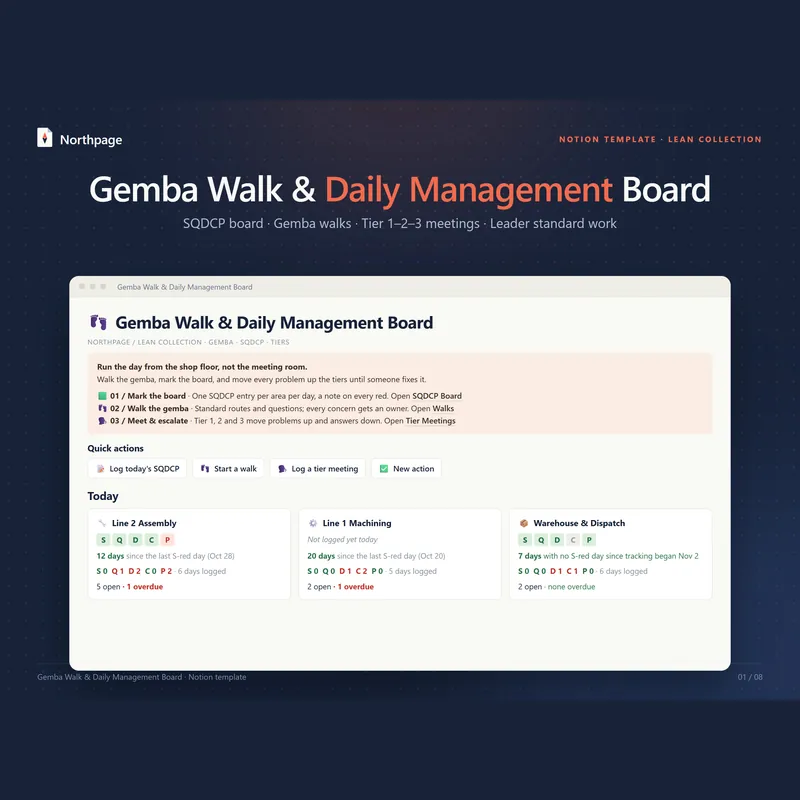
What's inside
SQDCP board, one entry per area per day
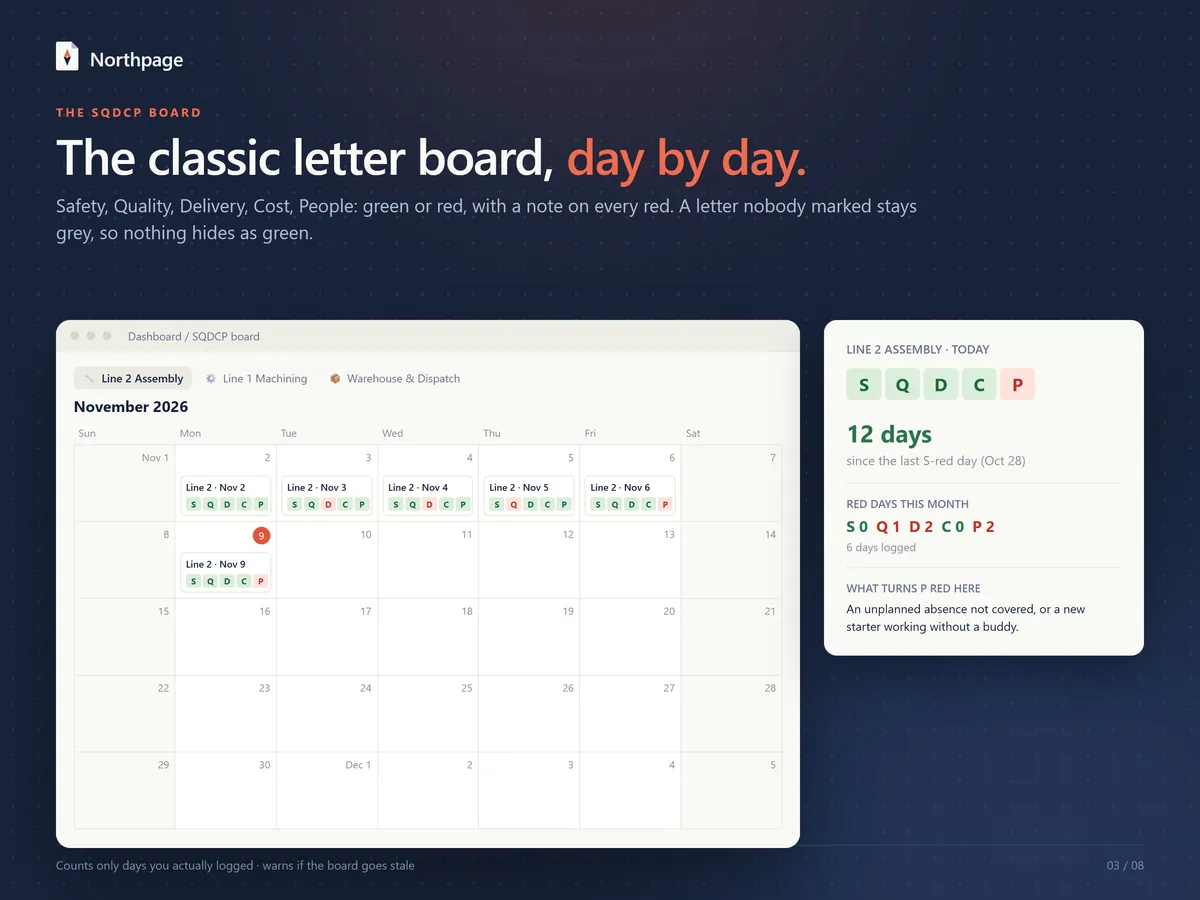
Safety, Quality, Delivery, Cost and People are marked green or red each day, with a note on every red. A letter nobody marked stays grey, so nothing hides as green.
Monthly calendar and today cards
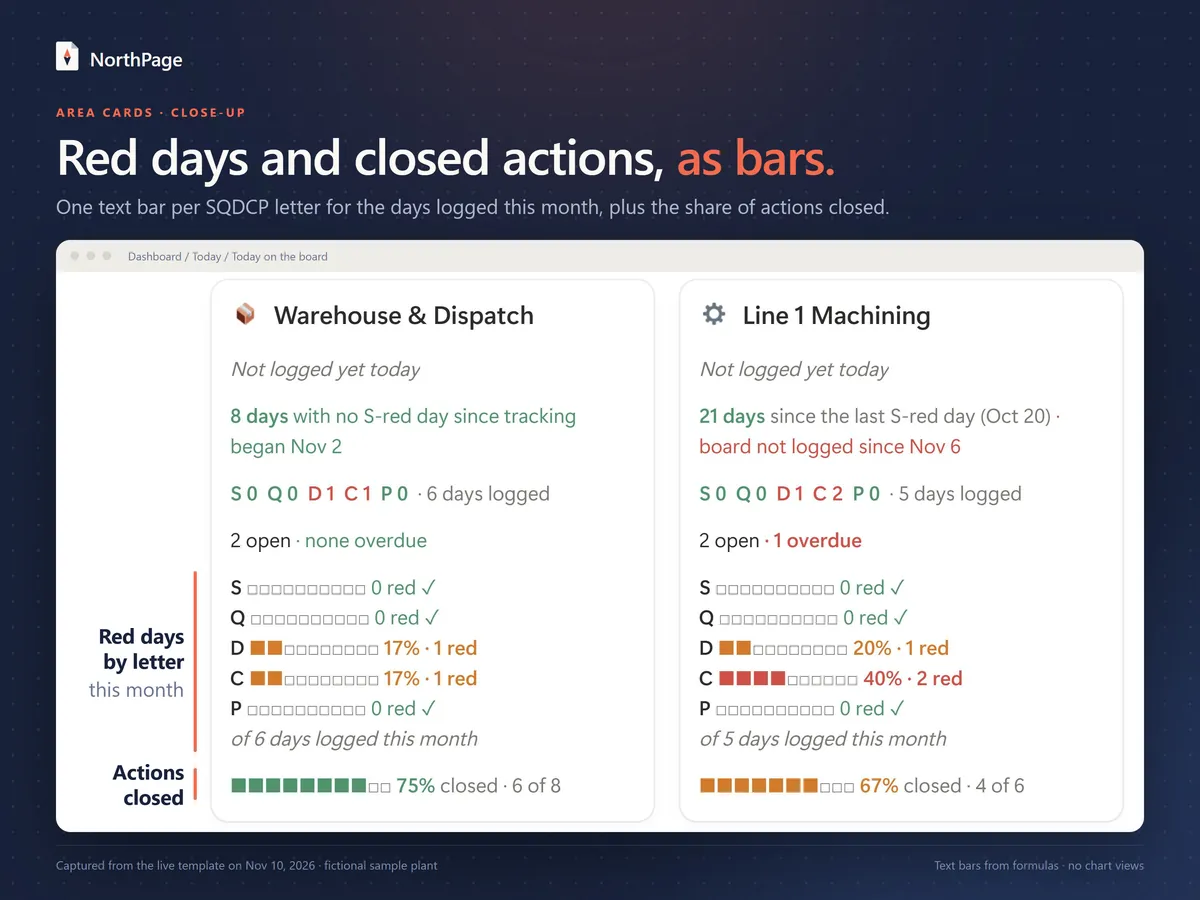
Each area has a monthly calendar that reads like a letter board, and a card for today with the five letters, days since the last safety-red day, red days this month per letter and open actions. The card also carries text bars built by formulas: one per letter for the share of logged days this month on which that letter was red, and one for the share of the area's actions that are closed.
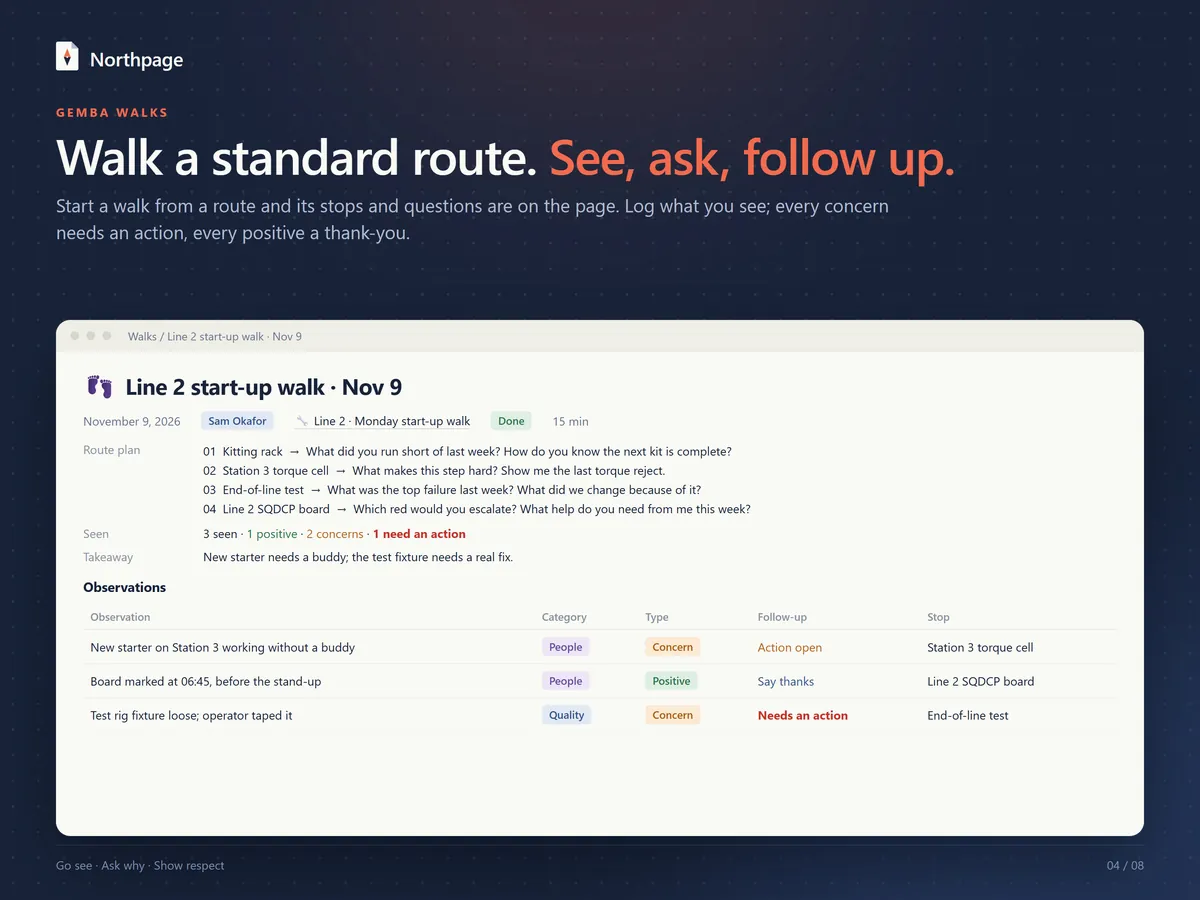
Gemba walks on standard routes
Each route has ordered stops with what to look for and the questions to ask; press Start walk on a route and the new walk shows its stops and questions. Observations are logged as positive or concern by SQDCP category, with a photo field and a linked action, and a follow-up column shows which concerns still need an action and which positives still need a thank-you.
Actions and escalation
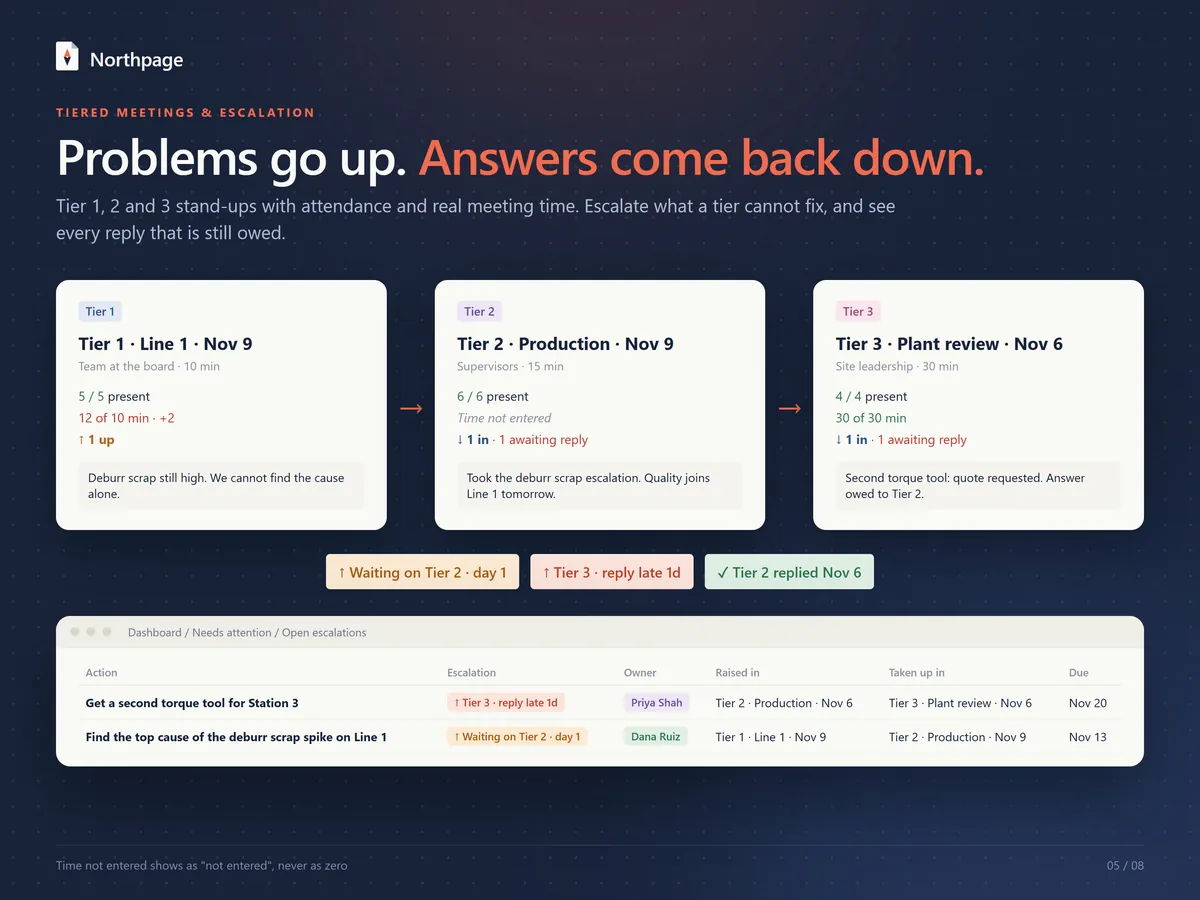
Every action has an owner, a due date and an automatic overdue flag. Escalate an action to Tier 2 or Tier 3 and see who still owes a reply: it reads "Waiting on Tier 2 · day 1" and changes to "reply late" after 2 days.
Tier 1, 2 and 3 meetings
An agenda template for each tier, attendance ("5 / 5 present"), planned and actual minutes, and escalations in and out. A meeting whose time was not entered shows "Not entered", never zero.
Leader standard work
Each leader's routines with frequency, last done, next due and an overdue flag, plus a Done today button. A layered process audit (LPA) routine is included.
Dashboard with Quick actions
Four buttons (Log today's SQDCP, Start a walk, Log a tier meeting, New action) sit above today's board for every area. Below that are open escalations, overdue actions, routines due, concerns without an action, and this week's walks and tier meetings.
9 linked databases and 8 page templates
The nine databases are SQDCP Board, Walks, Observations, Actions, Tier Meetings, Leader Routines, Areas, Routes and Stops; the eight page templates are Gemba walk, Tier 1 stand-up, Tier 2 meeting, Tier 3 review, Board day, New observation, New action and Layered audit (LPA). A Start Here page holds the setup steps, and a Method Guide covers gemba walk etiquette, the SQDCP board, tiered meetings, leader standard work and layered audits.
What it looks like
How it works
Duplicate the template
Open the template link in a desktop browser, sign in to Notion and duplicate the template into your workspace.
Set it up with Start Here
Name your areas, write what turns each letter red there, add your people, build one route and list each leader's routines. It takes about 10 minutes.
Mark the board each morning
Press Log today's SQDCP, mark the five letters and write a note on every red.
Hold the Tier 1 stand-up at the board
Turn problems into actions with an owner and a due date, and escalate what the team cannot fix.
Walk a route and tick your routines
Walk a route, log what you see, and tick routines as you do them. The dashboard shows what is overdue or still waiting for an answer.
Who it's for
- Team leaders, supervisors, and plant and operations managers who run the day from the shop floor
- Lean and continuous-improvement leads who want a simple, visible daily routine without new software
- Teams outside manufacturing: rename the areas, routes and letter definitions to fit a warehouse, lab, kitchen or office team
What you need
- A Notion account. The template works on Notion's Free plan: it uses no charts, no automations and no Notion AI, and buttons do the one-click entries.
- A desktop browser for the first setup; the template was set up and tested in one.
- No extra seats: owners, leaders and attendees are simple select options.
- Your own entries: the numbers come from what you enter, and the template does not collect data from machines or other systems.
- On Etsy you download a 3-page PDF with the template link, a QR code and setup steps.
- On Gumroad the template link is on the page you see after checkout, together with a 3-page PDF that has the same link, a QR code and a quick-start guide.
- You duplicate the template into your own Notion workspace and it runs there.
- A fictional sample plant (Line 1 Machining, Line 2 Assembly, Warehouse & Dispatch) comes with three weeks of data you can study, then clear.
- The template is in English.
Questions about this template
What does SQDCP mean?
Safety, Quality, Delivery, Cost and People: five letters a team marks green or red each day. The Method Guide explains how to agree what turns each letter red, and each area page has a table for what turns a letter red there.
How do the tier meetings and escalations work?
Tier 1 is the stand-up at the board; its agenda template plans 10 minutes. The Tier 2 agenda covers escalations in, answers owed and what goes up, and the Tier 3 agenda covers open escalations, decisions and answers back down. An action the team cannot fix is escalated to Tier 2 or Tier 3 and stays on the dashboard as waiting until a reply is entered.
Will people get reminders or notifications?
No. Names are simple select options and nothing is sent. The dashboard shows overdue actions, late replies and routines due.
How do I remove the sample data?
Start Here lists the order: open each database, select the sample rows and delete them. Keep at least one Area and one Route.
Is this template part of the Lean Toolkit Bundle?
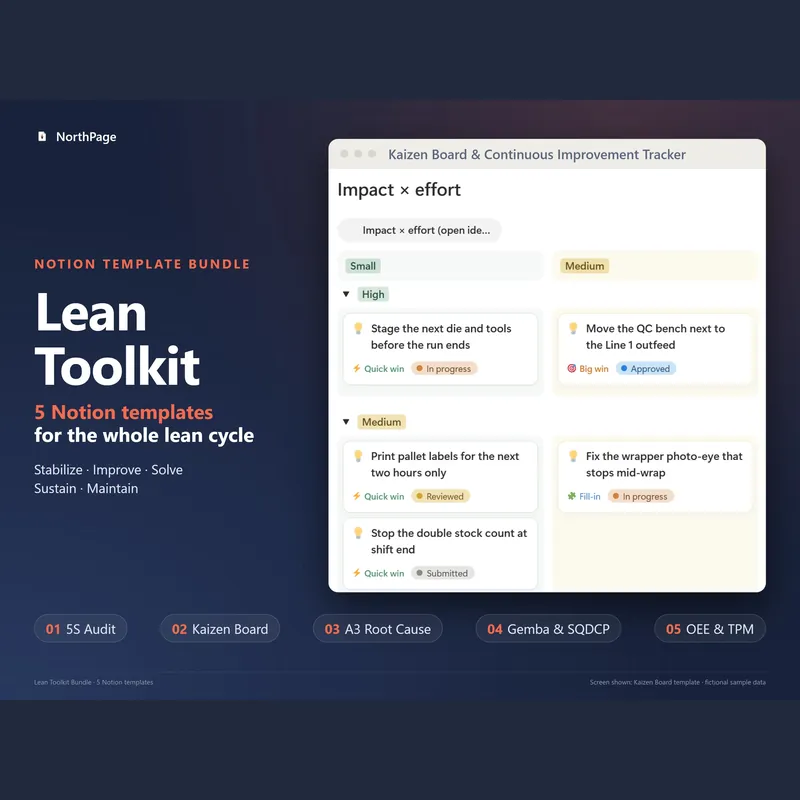
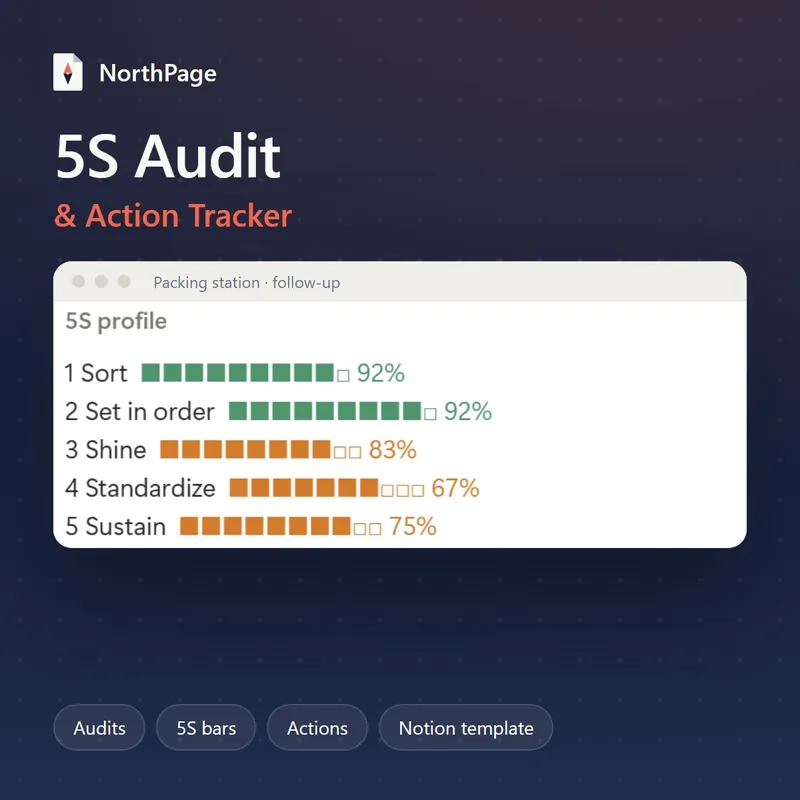
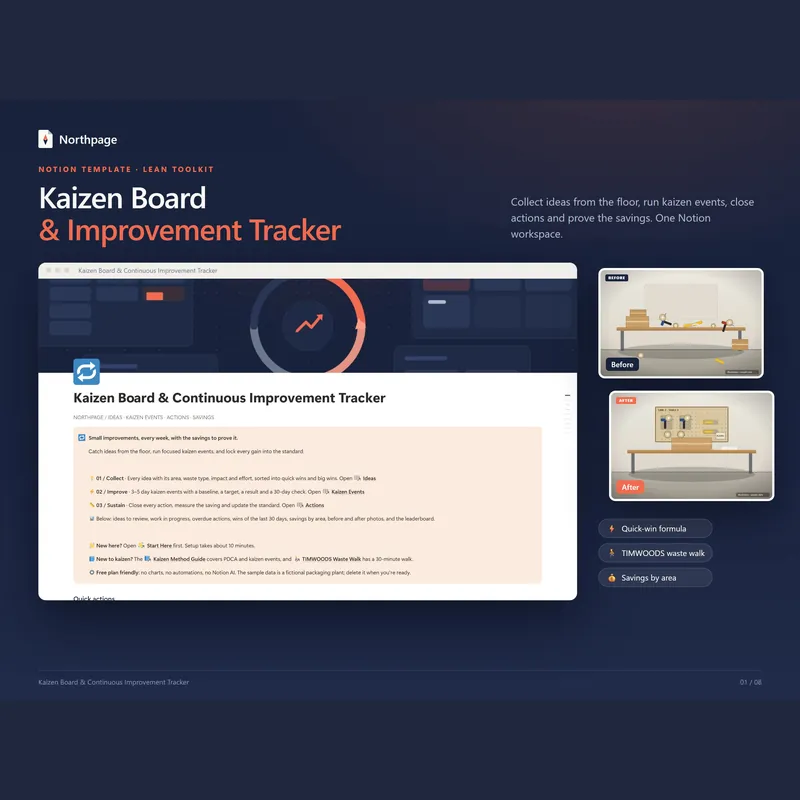
Yes. The Lean Toolkit Bundle holds five Notion templates: 5S Audit, Kaizen, A3, this one and OEE & TPM. On its own this template costs $29 and the bundle costs $79; bought one by one, the five come to $145, which is $66 more than the bundle.
Delivery, refunds and choosing Etsy or Gumroad: see the main FAQ
Gemba Walk & Daily Management Board (SQDCP)
$29Pay once, no subscription · checkout on Etsy or Gumroad
More from the Lean Toolkit
Lean Toolkit Bundle: 5 Notion templates
5S Audit & Action Tracker for Notion
Kaizen Board & Continuous Improvement Tracker
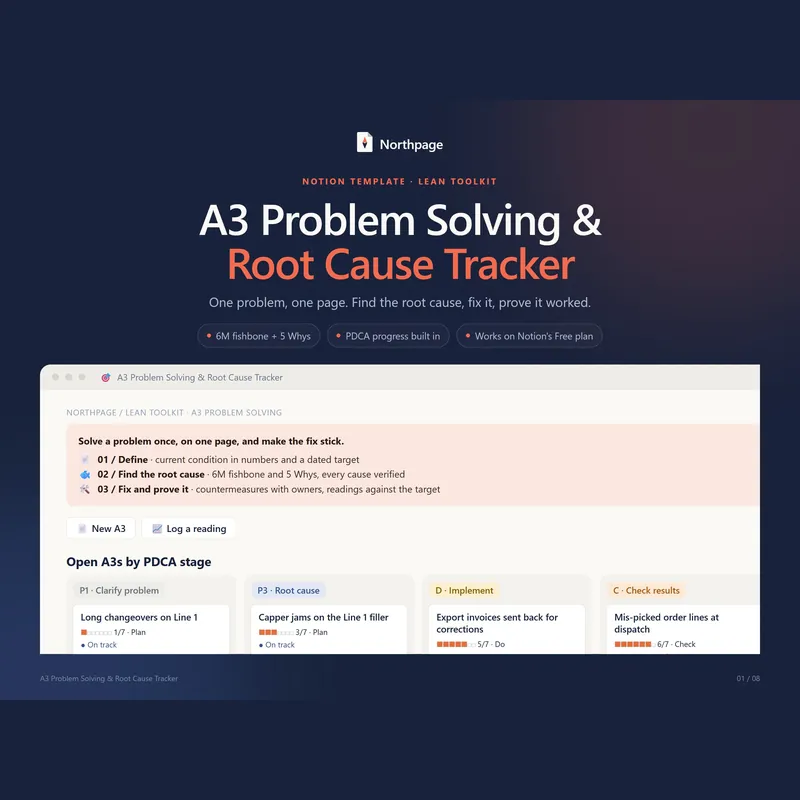
A3 Problem Solving & Root Cause Tracker
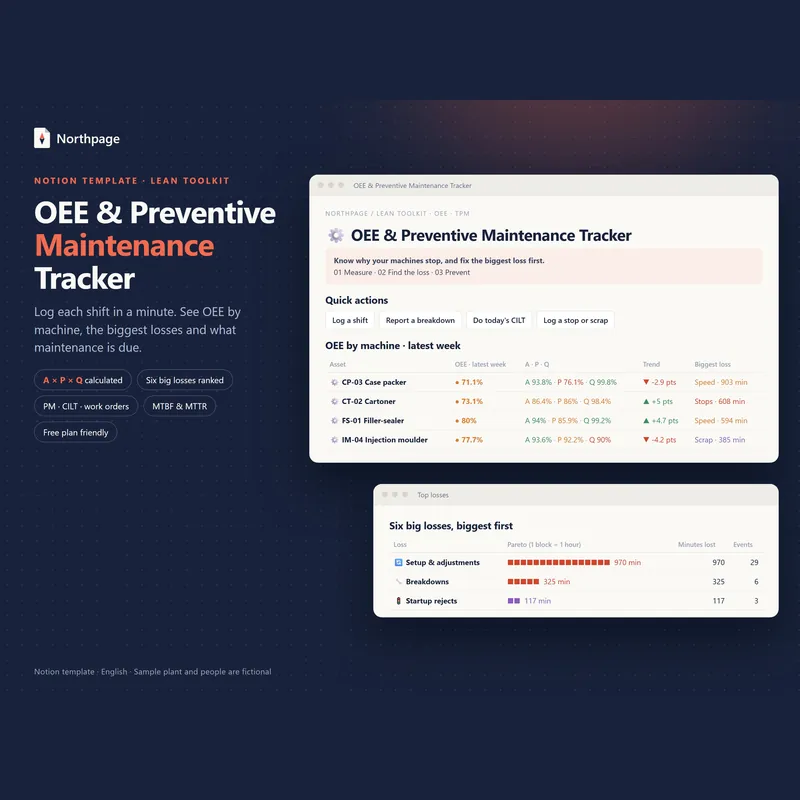
OEE & Preventive Maintenance (TPM) Tracker
All five templates come in the Lean Toolkit Bundle for $79 instead of $145 if bought one by one.