How to Invoice as a Freelancer: What to Include, Payment Terms and Reminder Emails
Everything a freelance invoice needs, how to number it, which payment terms to use, how to get paid faster, and polite reminder emails for late invoices.
Key takeaways
- Every invoice needs your details, the client's details, a unique invoice number, the issue date, the due date, itemized work with rates, the total and how to pay.
- Agree payment terms before you start, and repeat them on every invoice: Net 14 or Net 30, plus any deposit and late fee.
- Send the invoice the day the work is delivered or a milestone is reached, and offer one or two easy ways to pay.
- Follow up on a schedule: a friendly note before the due date, a reminder on the day, then firmer messages at 7 and 14 days late.
What to include on a freelance invoice
A clear invoice gets approved and paid faster, because nobody has to email you with questions. These are the fields every freelance invoice needs:
| Field | Example | Why it matters |
|---|---|---|
| Your name or business, address and email | Maria Lopez Design, Austin, TX | The client's accounts team needs to know who is billing them. |
| The word "Invoice" and a unique number | INV-2026-014 | Makes each invoice easy to find and refer to. |
| Issue date | 11 November 2026 | Starts the clock on your payment terms. |
| Due date | 25 November 2026 (Net 14) | Removes any doubt about when "on time" ends. |
| Client name, company and billing address | Acme Corp, Accounts Payable | Invoices often go to an accounts team, not to your contact. |
| PO or reference number | PO 88123 | Larger clients may not pay an invoice without their purchase order number. |
| Itemized work | "Homepage design, 2 rounds of revisions" or "12.5 h × $60" | Clear lines get approved faster than one lump sum. |
| Subtotal, discount and tax | $750.00, no tax | Show tax as its own line if you are registered to charge it. |
| Total due and currency | $750.00 USD | The one number the client needs, in the currency you agreed. |
| How to pay | Bank details or a payment link | Every extra step delays payment. |
| Payment terms and late fee | "Due within 14 days. 1.5% monthly late fee." | Puts the agreement in writing again. |
About tax: whether you must charge sales tax, VAT or GST, and which tax ID to show, depends on where you and your client are based and on your income. Check with your tax office or an accountant before you send your first invoice.
How to number your invoices
Use one sequence and never reuse a number. Any of these formats works; pick one and keep it:
- Simple: 001, 002, 003…
- By year: INV-2026-001, INV-2026-002… (the sequence restarts each year)
- By client: ACME-007, still unique across all your invoices
Don't delete an invoice you sent by mistake. In many countries the correct fix is a credit note that cancels it, so your numbering has no gaps and your records stay clean.
Payment terms: due on receipt, Net 14, Net 30 and deposits
| Term | What it means | Good for |
|---|---|---|
| Due on receipt | Pay when the invoice arrives | Small one-off jobs |
| Net 7 or Net 14 | Pay within 7 or 14 days of the invoice date | Most freelance work |
| Net 30 | Pay within 30 days | Larger companies with monthly payment runs |
| 50% upfront | Half before you start, half on delivery | New clients and fixed-price projects |
| Milestones | A payment at each agreed stage | Projects longer than a month |
| Retainer | A fixed amount each month for agreed hours or work | Ongoing clients |
Agree the terms in your proposal or contract before the work starts. The invoice repeats them; it should never be the first time the client hears about them.
Late fees: a late fee is easiest to enforce when it is in the contract, and some countries set their own rules for late payment interest. Even if you rarely charge it, a stated late fee makes the due date feel real.
How to get paid faster
- Invoice the same day you deliver. Every day you wait is a day added to the payment.
- Send it to the right person. At the start of the project, ask who processes invoices and what they need on them.
- Use the client's PO or reference number. Without it, some accounts teams park the invoice.
- Make paying easy. One or two clear options, such as a bank transfer and a card payment link.
- Itemize clearly. A client who understands every line approves faster.
- Log hours as you go. Hourly invoices are quick and accurate when every session is already recorded.
- Track every invoice's status. Draft, sent, due soon, overdue, paid. If you can't see what's overdue, you can't chase it.
Payment reminder emails you can copy
Keep reminders short, friendly and specific: the invoice number, the amount, the due date and how to pay. Change the names, numbers and dates to yours.
3 days before the due date
Subject: Invoice INV-2026-014 due on 25 November
Hi Maria, a quick note that invoice INV-2026-014 for $750 is due on 25 November. I've attached it again for convenience. Thanks again for a great project!
On the due date
Subject: Invoice INV-2026-014 due today
Hi Maria, just a reminder that invoice INV-2026-014 for $750 is due today. You can pay by bank transfer or with the payment link on the invoice. Let me know if you need anything else from me to process it.
7 days late
Subject: Overdue: invoice INV-2026-014
Hi Maria, invoice INV-2026-014 for $750 was due on 25 November and is now 7 days overdue. Could you let me know when I can expect payment? If it has already been paid, please ignore this message, and thank you.
14 days late or more
Subject: Second notice: invoice INV-2026-014 is 14 days overdue
Hi Maria, invoice INV-2026-014 for $750 is now 14 days overdue. As agreed in our contract, a late fee of 1.5% per month applies from 9 December. Please arrange payment by then, or call me so we can sort out any issue. I'll pause new work until the invoice is settled.
Hourly, fixed-price and retainer invoices
- Hourly: list each task or session with the date, hours and rate, and attach a time log if the client wants the detail.
- Fixed price: list the deliverables or the milestone reached, not the hours.
- Retainer: state the period covered and what it includes, and note any extra work billed on top.
Keep good records
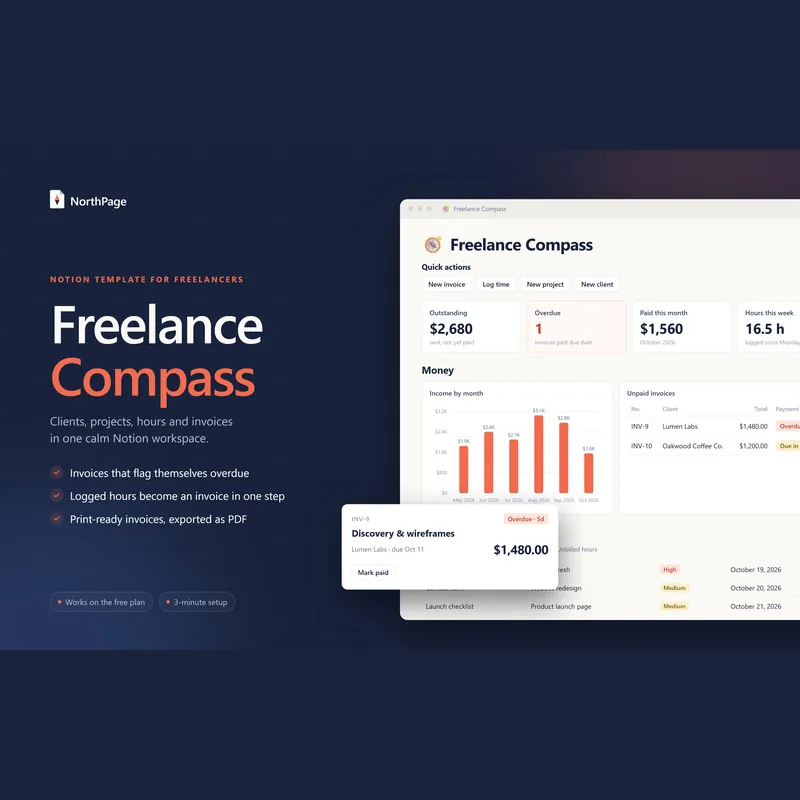
Keep a copy of every invoice you send, every payment you receive and the date it arrived. It makes tax time easier, and it shows you which clients always pay late, which is worth knowing before you agree to the next project. Keeping clients, projects, hours and invoices in one place means an invoice is a few clicks instead of an evening with a spreadsheet.
Want more clients to invoice? Our guide to building a content calendar shows how to plan posts that bring inquiries in.
Frequently asked questions
What should a freelance invoice include?
Your name or business name and contact details, the client's name and billing address, the word Invoice and a unique invoice number, the issue date and the due date, an itemized list of the work with quantities or hours and rates, the subtotal, any discount and tax, the total due, how to pay, and your payment terms.
What does Net 30 mean on an invoice?
Net 30 means the full amount is due within 30 days of the invoice date. Net 14 and Net 7 work the same way with 14 and 7 days, and "due on receipt" means payment is expected as soon as the invoice arrives.
Should freelancers charge a late fee?
A late fee is easiest to enforce when it is agreed in your contract before the work starts and repeated on every invoice. Some countries set their own rules for late payment interest, so check yours. Many freelancers use a small monthly percentage or a flat fee.
When should I send an invoice?
On the day you deliver the work or reach an agreed milestone. For retainers, invoice at the start or the end of each month, whichever you agreed. The sooner it goes out, the sooner the payment clock starts.
Can I make invoices in Notion or a spreadsheet?
Yes. Any tool works as long as the invoice has the required details and you send it as a PDF. A Notion workspace or invoicing app also keeps each invoice's status and due date in view, so late payments don't slip past you.