How to Make an ATS-Friendly Resume: What Applicant Tracking Systems Actually Read
How applicant tracking systems read a resume, the formatting that breaks parsing, how to match keywords honestly, and a 12-point checklist to test yours.
Key takeaways
- An ATS turns your resume into fields (name, jobs, dates, skills) so recruiters can search, filter and rank applicants. If parsing goes wrong, your experience lands in the wrong place.
- One column, standard headings, plain bullets and contact details in the page body parse most reliably. Tables, text boxes, icons and headers cause most errors.
- Use the job posting's exact words for skills and titles you really have, and put them in your bullets.
- Test before you apply: paste your PDF into a plain text editor, or run it through a free parser such as OpenResume.
What an applicant tracking system does
An applicant tracking system (ATS) is the software employers use to collect applications and manage hiring. Workday, Greenhouse, Lever, iCIMS, SAP SuccessFactors and Oracle Taleo are some of the best known. When you apply online, your resume goes into the ATS first, not straight to someone's inbox.
The system does three jobs that matter to you:
- It parses your resume. It pulls the text out of your file and sorts it into fields: name, contact details, job titles, employers, dates, education and skills.
- It makes you searchable. Recruiters search and filter candidates by job title, skills, certifications and location. Some systems also rank applicants by how closely they match the job.
- It asks screening questions. Knockout questions about work authorization, a required license or a minimum number of years can filter applications automatically.
You will often read that "75% of resumes are rejected by ATS robots". That number can't be traced to any published study; it appears to come from a 2012 marketing claim by a company that sold resume software. In most hiring processes a person still decides who moves on. But that person sees your resume through the ATS: as a parsed profile, in search results and in a ranked list. A resume that parses badly is harder to find and harder to read, and that is the real risk.
The two goals of an ATS-friendly resume: every line ends up in the right field, and the words a recruiter searches for are in your resume, backed by real experience.
How an ATS reads your resume, step by step
- Text extraction. The parser reads the text from your .docx or PDF file. A scanned resume, or a PDF made of images, has no text to read, so nothing comes out.
- Sections. It looks for headings it knows, such as Experience, Education and Skills, to decide where each block starts.
- Fields. Inside each section it splits lines into job title, employer, location and dates, then attaches the bullets underneath to that job.
- Indexing. Words and phrases are stored so recruiters can search for them, and some systems compare them with the job description.
Each step depends on the one before. If a two-column layout makes the parser read straight across both columns, your dates end up next to the wrong employer. If your job titles sit in a text box, the parser may skip them. Most "ATS problems" are really reading-order problems.
Formatting rules that keep parsing clean
| Do this | Avoid this |
|---|---|
| One column, read from top to bottom | Two or three columns, sidebars |
| Standard headings: Summary, Experience, Education, Skills, Certifications | Creative headings such as "My journey" or "What I bring" |
| Name and contact details in the body of the page | Contact details only in the header or footer |
| Plain round or square bullets | Icons, emoji, skill bars and rating dots |
| Text typed into the page | Text boxes, tables, shapes and pictures of text |
| A common font (Calibri, Arial, Garamond, Georgia) at 10.5 to 12 pt | Decorative fonts and text smaller than 10 pt |
| One date format for every job, such as "Mar 2022 – Present" | Mixed formats, or dates in a separate column |
| A .docx file or a text-based PDF | Scanned PDFs, image files, .pages files |
Word or PDF?
Follow the job posting first: if it asks for a Word document, send a .docx file. Otherwise a PDF exported from Word or Google Docs is fine for most modern systems, because it keeps real text in the right order. The PDFs that cause trouble are scans and files built in graphic design tools, where text is often stored in pieces or as images.
A quick check: open your PDF, select all, copy, and paste it into a plain text editor such as Notepad or TextEdit. If the text comes out complete and in reading order, a parser has a good chance of reading it too.
What about designed, two-column templates?
Some newer parsers cope with simple two-column layouts, but you can't know which system an employer uses. A design-heavy template can look great to a person and still come out scrambled in the parser. One column works everywhere, and it reads well to people too: a clear name line, consistent spacing and one accent color are enough to look polished.
How to match keywords without stuffing
Recruiters search for the skills and job titles in their own posting, so those words need to be in your resume, in the places where you really have the experience.
- List the posting's must-haves. Hard skills, tools, certifications, licenses and the job title. Skip soft-skill filler like "team player".
- Use the posting's exact words. If it says "accounts payable", write "accounts payable", not only "AP". Spell out an acronym once: "Electronic Health Records (EHR)".
- Put keywords in your bullets, not only in a skills list. "Reconciled 400+ vendor invoices a month in SAP" proves the skill; a bare "SAP" in a list only claims it.
- Match the job title when it is honest. If your title was "Customer Care Agent" and the job is "Customer Support Specialist", use the posting's wording in your summary: "Customer support specialist with 4 years in SaaS help desks."
- Never hide keywords. White text and keyword blocks show up in the parsed profile a recruiter sees, and they look like exactly what they are.
| The posting says | Weak | Matches |
|---|---|---|
| "Experience with Salesforce CRM" | Managed customer data | Kept 300+ accounts up to date in Salesforce CRM |
| "Medication administration" | Gave patients their meds | Handled medication administration for 6 patients per shift on a med-surg unit |
| "Lesson planning, differentiated instruction" | Planned classes | Wrote weekly lesson plans with differentiated instruction for 3 reading levels |
Every NorthPage resume kit includes an offline Job Match Checker that shows which keywords a job posting wants, so you can check a resume against a posting before you send it.
How to test your resume before you apply
You don't need to guess. Two free tests take about five minutes:
- The plain-text test. Copy everything from your PDF into a plain text editor. Check that every section is there, in order, with each date next to the right job.
- A real parser. OpenResume is a free, open-source resume builder with a resume parser that runs in your browser. Upload a PDF and it shows the fields it found: name, email, phone, each job with its title, company and dates, education and skills.
Then compare the result with your resume, line by line. Anything missing, merged or in the wrong field is a formatting problem worth fixing before you apply.
What we found when we tested our own templates
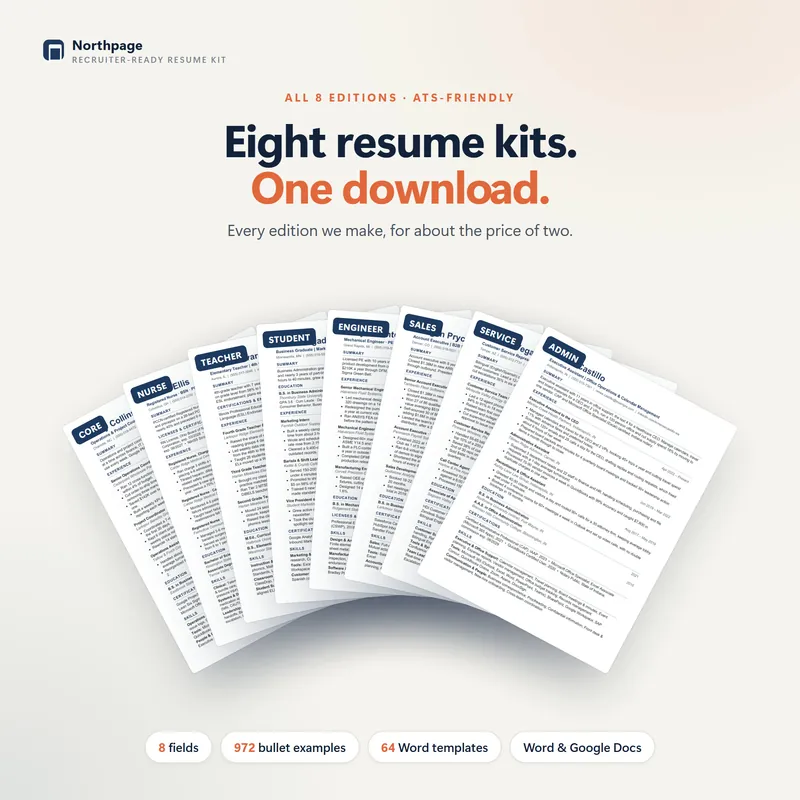
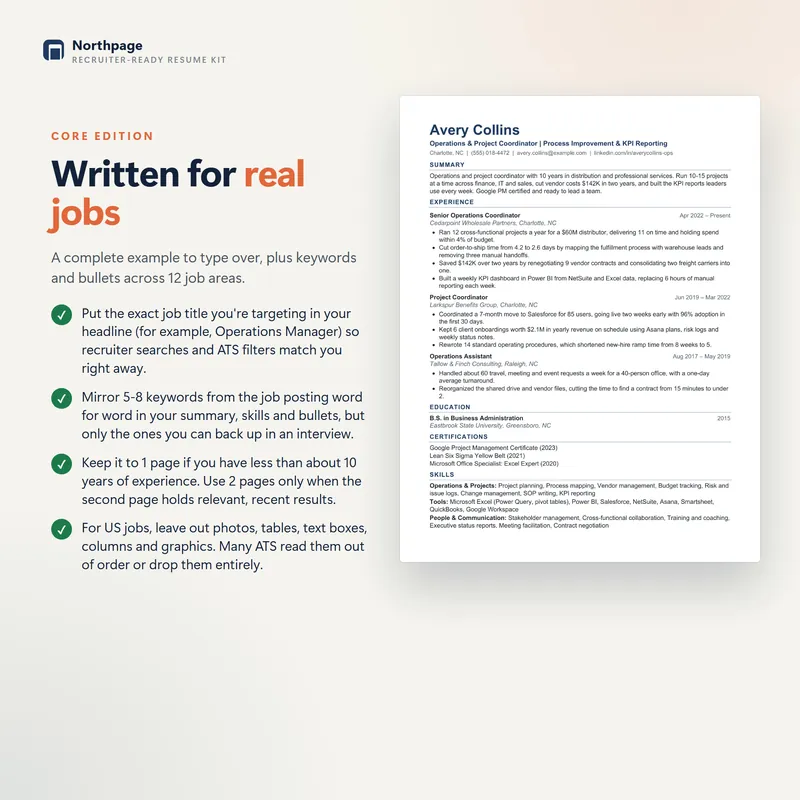
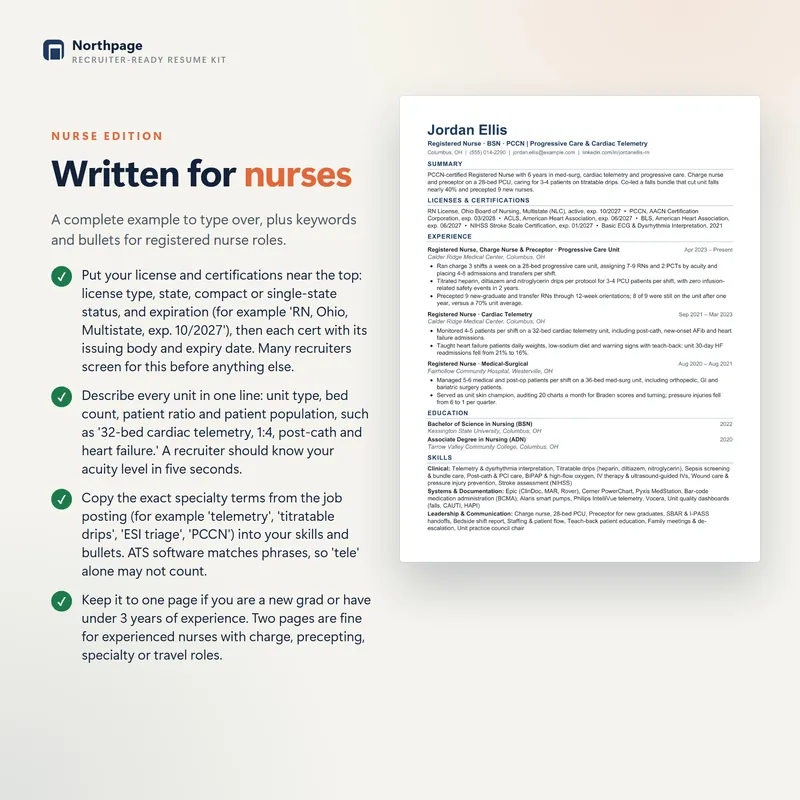
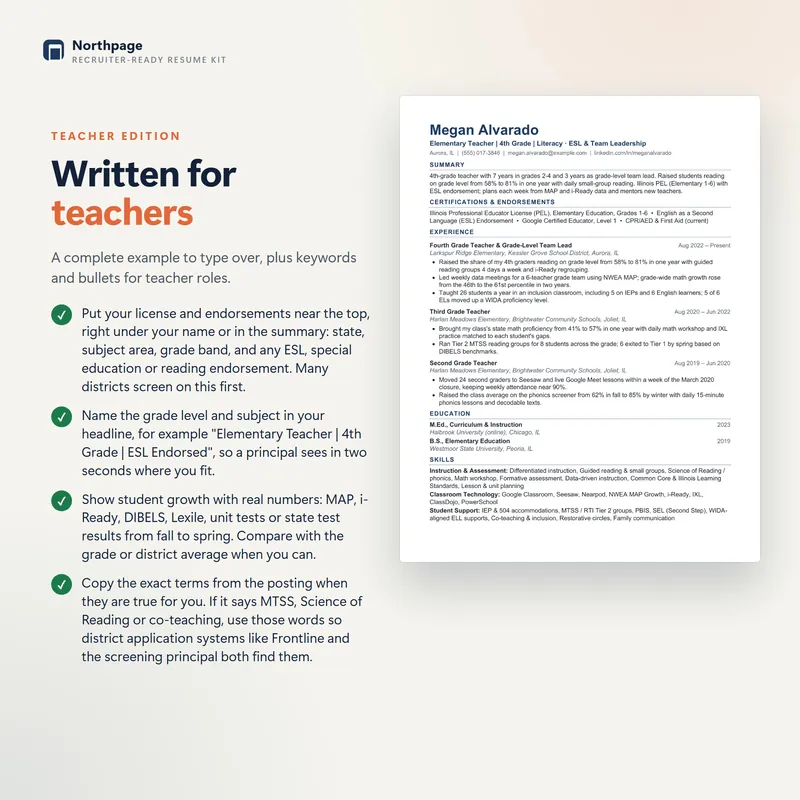
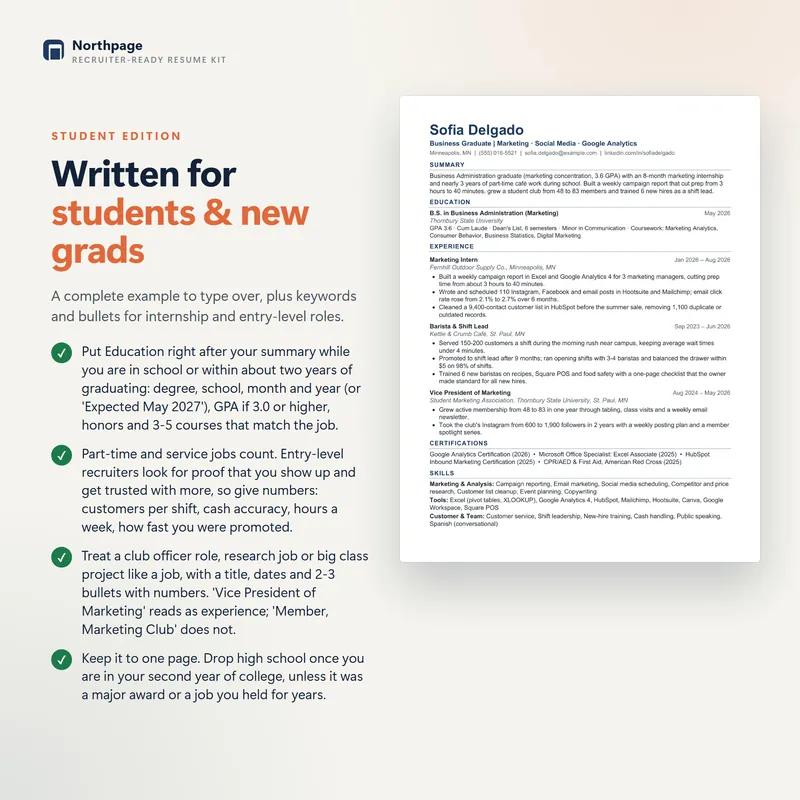
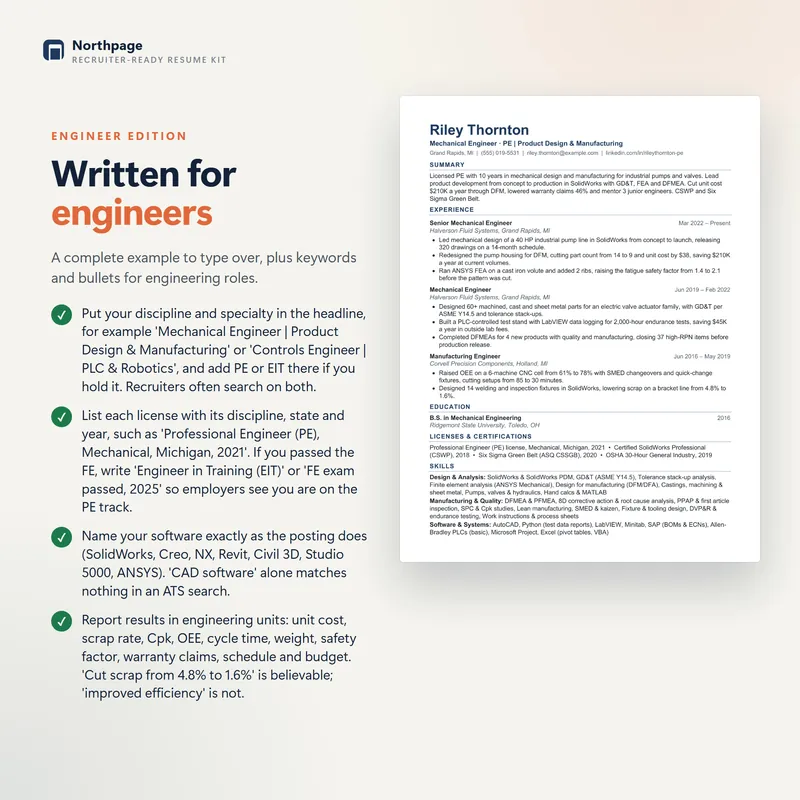
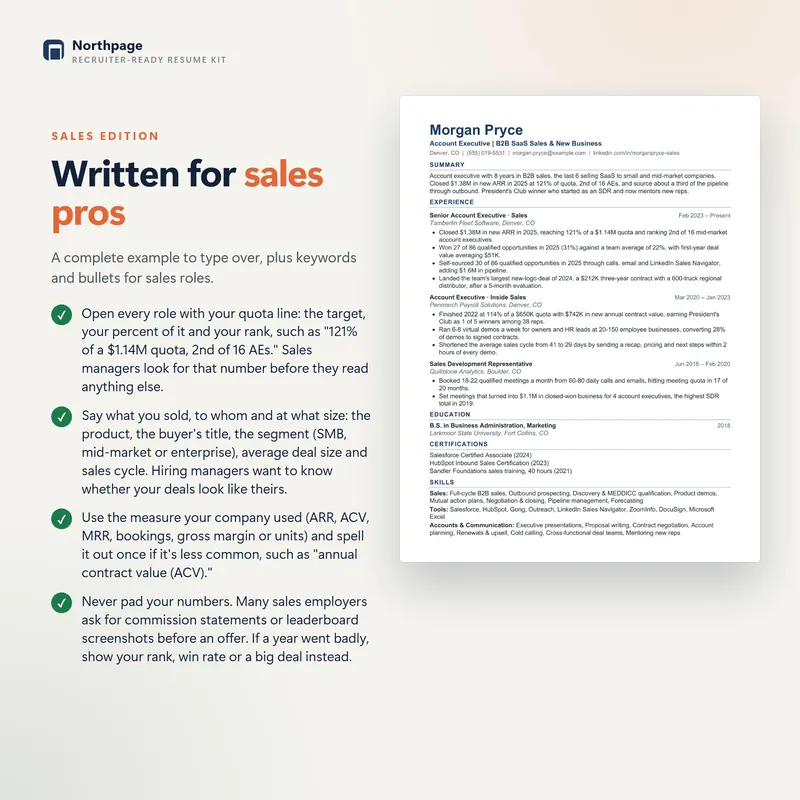
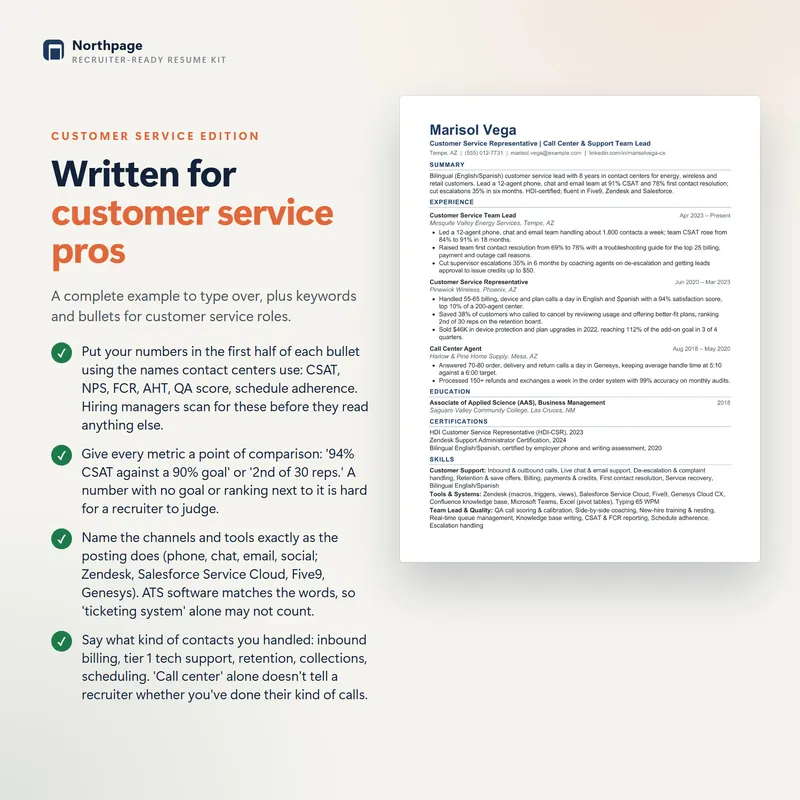
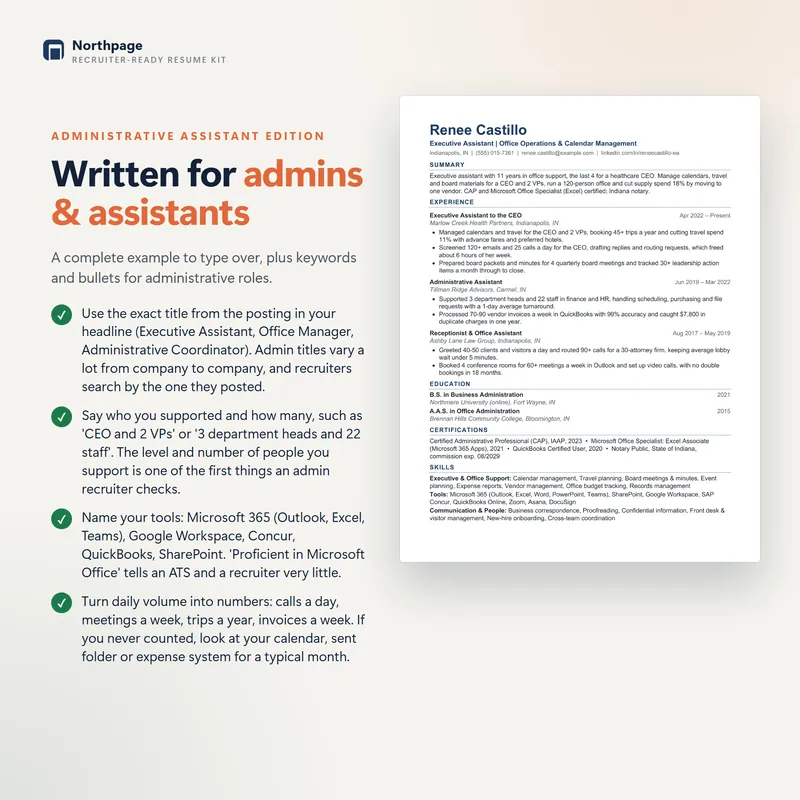
We ran the 1-page template of every NorthPage resume edition through the OpenResume parser. Name, contact details, education, job titles, employers and dates: every field came out right. The templates follow the rules in this guide: one column, standard headings, real bullets, and no tables, text boxes or images.
ATS-friendly resume checklist
- One column, no sidebars.
- Name, phone, email, city and LinkedIn URL in the body of the page, not in the header.
- Standard section headings: Summary, Experience, Education, Skills.
- No tables, text boxes, icons, photos or skill bars.
- Each job shows its title, employer, location and dates clearly.
- The same date format everywhere, with months.
- Real bullets that start with an action verb and end with a result.
- The posting's must-have skills appear in your bullets, in its wording.
- Acronyms spelled out once.
- A common font at 10.5 pt or larger.
- Saved as .docx or as a text-based PDF, with a clear file name such as "Jane-Doe-Resume.pdf".
- Passed the plain-text test and a parser test.
For the bullets themselves, see our guide to writing resume bullet points, with 40 examples by job.
Frequently asked questions
Do applicant tracking systems reject resumes automatically?
Some systems rank or score applicants against the job, and knockout questions (such as work authorization or a required license) can screen applications out on their own. In most hiring processes, though, a person decides who moves forward. A resume that parses badly is harder for that person to find and read, which is why clean formatting matters.
Is a PDF or a Word resume better for ATS?
Send what the job posting asks for. If it doesn't say, a text-based PDF exported from Word or Google Docs works with most modern systems. Avoid scanned PDFs and files designed in graphics tools, and test your PDF by copying its text into a plain text editor.
Can an ATS read a two-column resume?
Some newer parsers handle simple two-column layouts, but many read straight across both columns and mix up your sections. Since you can't know which system an employer uses, a one-column layout is the safe choice.
How long should an ATS-friendly resume be?
The ATS doesn't care about length; the person reading it does. One page suits students and people with less than about ten years of experience, and two pages are normal for longer careers.
Should an ATS resume have a skills section?
Yes. A short Skills section with the tools, certifications and hard skills from the job posting helps recruiters find you in a search. Back up the most important ones in your bullets, where you show how you used them.